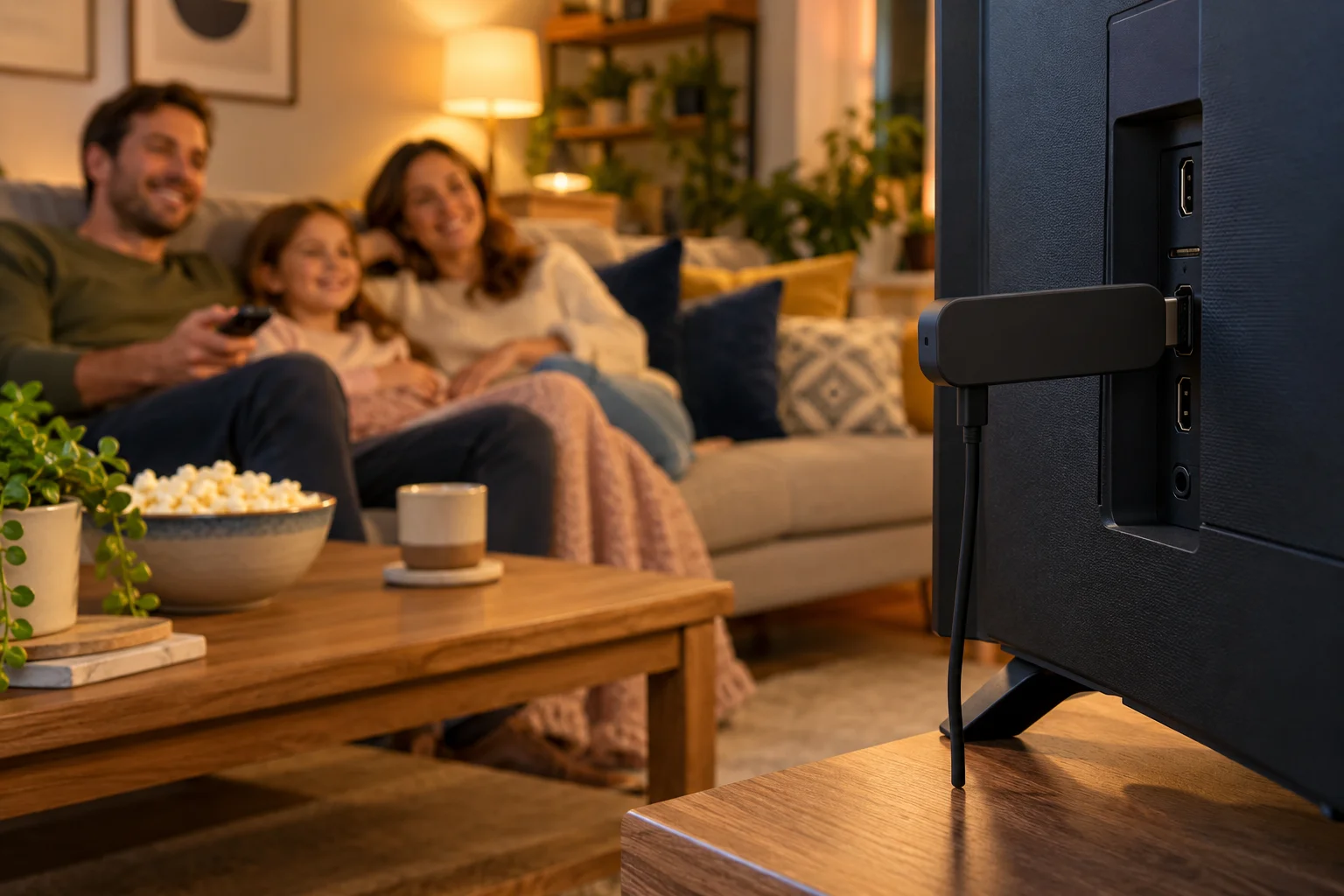
IPTV Europe: Ireland, Expats and Watching UK TV Abroad
Living in Ireland, Spain, Germany or France, or just on holiday? Here is a practical guide to IPTV Europe: broadband, devices, support hours, ordering and keeping your set-up simple.
Moving abroad does not mean you have to give up the programmes you grew up with. Whether you have retired to the Spanish coast, relocated to Dublin for work, bought a holiday home in France or simply spend a few months a year in the Netherlands, the question is always the same: how do I get my usual TV at home? This guide to IPTV Europe explains how internet-delivered television works for people living or travelling outside the UK, what you need before you start, and how to keep the whole thing simple.
IPTV Premium UK is a UK-focused IPTV subscription service for England, the UK, Ireland and Europe. We have written this guide from the point of view of the viewer, so you will find practical tips on broadband, devices, support hours and payment rather than a hard sell.
Key takeaways
- IPTV is television delivered over your internet connection, so what matters abroad is a stable broadband line rather than a satellite dish.
- About 10 Mbps is enough for HD and 25 Mbps is recommended for 4K, ideally over a cable or strong Wi-Fi.
- Pick a device you already own, such as a Firestick, Android box, Samsung or LG smart TV, iPhone, iPad, Windows PC or Mac.
- Ordering is simple: choose a plan, enter your name, email and WhatsApp number, and wait for payment details by email and WhatsApp.
- Support is available 24/7 on WhatsApp and email, so time zones are not a problem.
- Always follow the laws where you live and read our Terms of Use before you subscribe.
What does IPTV Europe actually mean?
IPTV stands for Internet Protocol Television. Instead of receiving channels through an aerial or a satellite dish, you receive them as a stream over your broadband. The technology itself is perfectly ordinary and is used by many companies around the world.
For expats, that has one big advantage. Your TV no longer depends on a dish pointed at a particular satellite or on a local aerial. If you have a decent internet connection in your apartment, villa or caravan, you can set up IPTV in an afternoon.
IPTV Premium UK serves England, the UK, Ireland and Europe, so the service is designed with British and Irish viewers in mind, wherever they happen to be living. If you are completely new to the idea, our guide on what IPTV is and how it works covers the basics in plain English.

What is included in a subscription
Every plan includes the same things, whether you live in Dublin or Dusseldorf:
- Full HD / 1080p, and 4K where the channel supports it
- 25,000+ live channels, including UK channels, sports, films and kids categories
- 140,000+ movies and series
- All sports and PPV events included
- A TV guide (EPG)
- Free step-by-step setup via chat, 24/7 support and instant activation
We do not promise any particular channel in any particular country. If there is one channel you cannot live without, ask support to check it before you commit, or try the paid 1-day trial first.
IPTV in Ireland
Ireland is one of the easiest places to start. The broadband in most towns and cities is strong, the time difference with the UK is nil, and many households already use smart TVs and streaming sticks.
If you are searching for IPTV Ireland, a few things are worth knowing:
- Pricing is in pounds sterling, so your bank may apply a currency conversion. Check with your bank before paying.
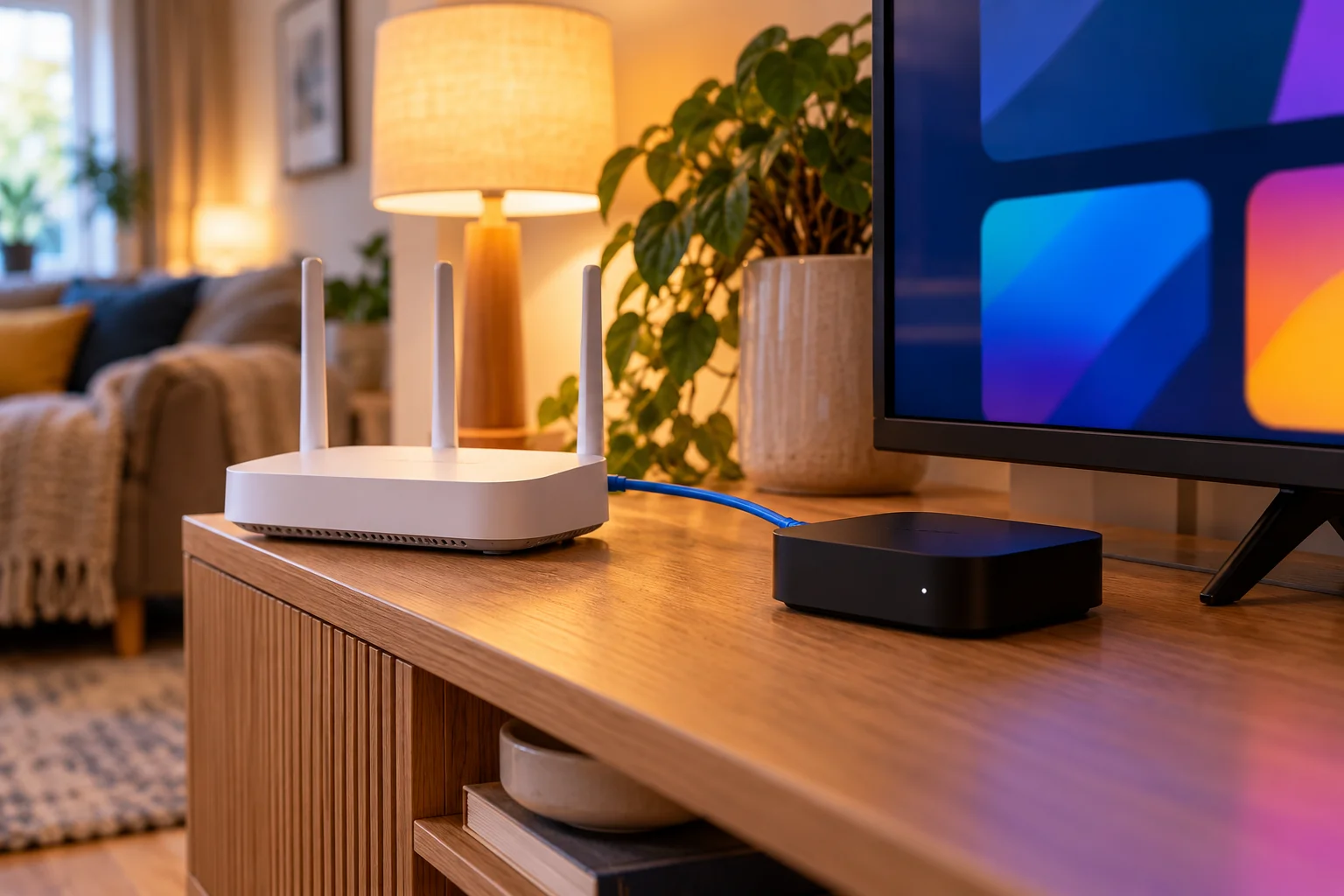
- Most Irish homes use a router supplied by their broadband provider. Place your TV or streaming box close to it, or use a network cable.
- The setup process is exactly the same as in England, so our free setup help works the same way.
Irish viewers often want a mix of Irish and UK channels, plus Gaelic games, rugby and football. Sports are one of the most popular reasons people subscribe, and our guide to watching live sport on IPTV in the UK explains what to check. As always, ask support about a specific event before you pay, because we never promise particular rights.
UK expats in Spain, Germany, France and the Netherlands
Many British expats choose Spain, France, Germany or the Netherlands. The reasons are personal: the news at the usual time, a favourite soap, a Saturday football match, or kids' programmes.
IPTV Spain
British communities on the coast and islands are large, and so is the demand for IPTV Spain and UK TV in Europe generally. Broadband in Spain varies a lot between a city apartment with fibre and a rural finca on a weaker line. Test your speed in the room where the TV sits before you order.
IPTV Germany
For IPTV Germany, think about the router. Many German households use a combined router and modem, which may be tucked in a cupboard far from the lounge. A powerline adapter or a long network cable can make a big difference to picture quality.
IPTV France
If you live in a rural area of France, check which broadband you actually have. IPTV France setups work best with a stable connection.
IPTV Netherlands
The Netherlands generally has excellent broadband, which makes IPTV Netherlands one of the smoothest set-ups for 4K. If your internet comes from a cable provider, a wired connection to your TV or box is still the safest choice.
UK TV in Europe: one rule for all countries
Wherever you are, the principle is the same: stable internet, a supported device and an IPTV app. The rest is detail. Remember that laws differ from country to country, so please check the rules where you live.
Broadband abroad: what you really need
Your picture quality is decided mostly by your internet connection. These are the figures we use for every customer:
- About 10 Mbps for HD
- 25 Mbps recommended for 4K
- A wired connection or strong Wi-Fi is best
Test before you order
Run a speed test in the room where you will watch, ideally in the evening. If the result is well below 10 Mbps, improve the connection first.
Quick ways to improve a weak connection
- Plug the TV or streaming box into the router with a network cable.
- Move the router into a central, open position, away from walls, microwaves and baby monitors.
- Use a powerline adapter if the router is too far away for a cable.
- Restart the router once a week.
Our guide to internet speed for IPTV in HD and 4K goes into much more detail, including how to test properly.
Choosing a device for life abroad
The best device is the one you already own. IPTV Premium UK works on all devices and IPTV apps, including:
- Firestick (Amazon Fire TV)
- Android TV, Android boxes, phones and tablets
- Samsung Smart TV and LG Smart TV
- Roku
- iPhone and iPad
- Windows PC and Mac
- MAG box
Take it with you
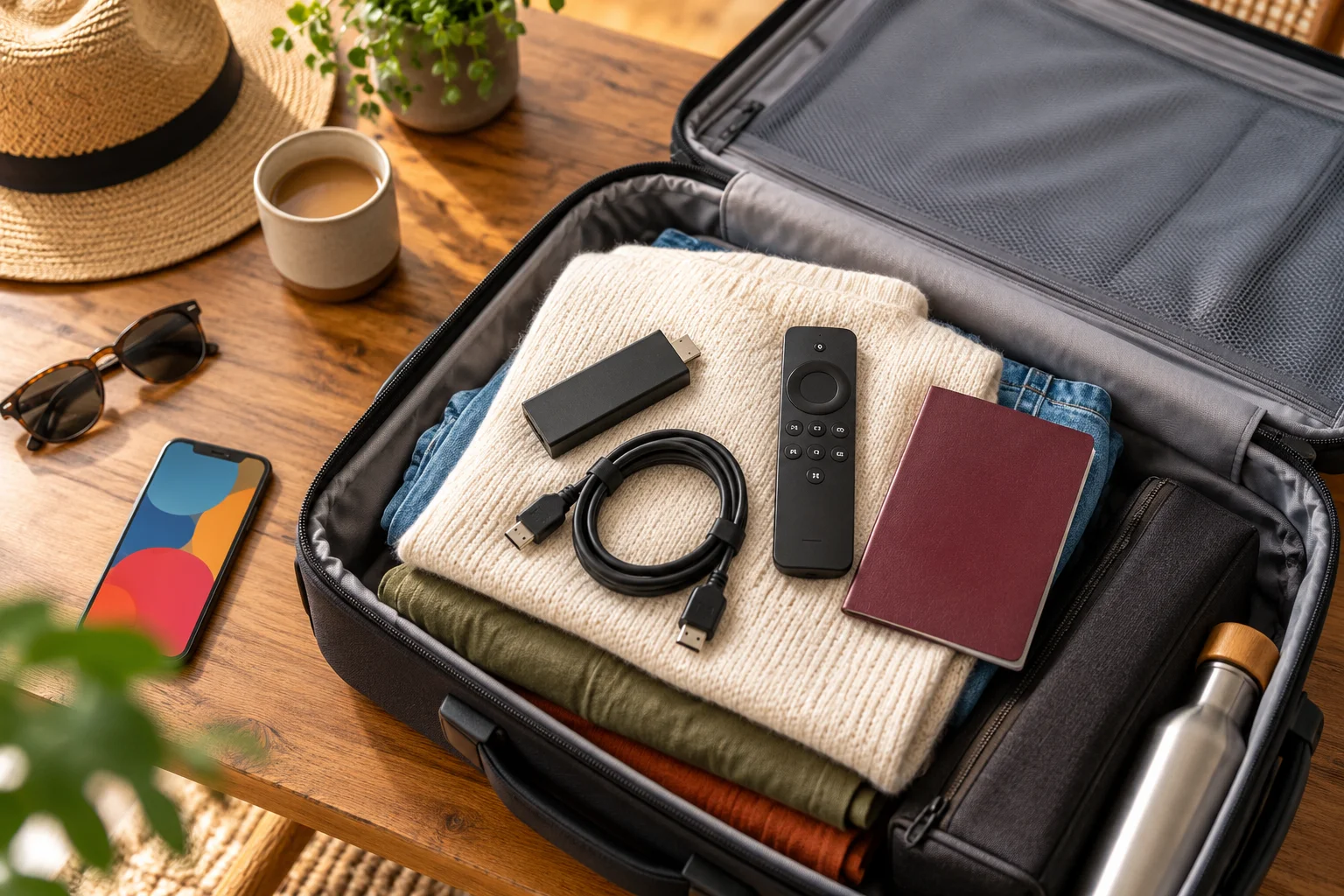
A Firestick or a small Android box is easy to pack. It plugs into any HDMI port, so you can use the same set-up in a rented flat or a friend's house.
Use the TV you have
If your holiday home already has a Samsung or LG smart TV, you may not need to buy anything. See our guide to watching IPTV on Samsung and LG smart TVs walks through it.
Apps
Our recommended app is IB Player, with IB Player Pro on Samsung, LG and Windows. You can open the app, take a screenshot of the MAC address and Device Key, and send it to us. We set it up for free.
On a Firestick, the app is installed using the Downloader app, and the full steps are on the installation guide page.
Ordering from abroad: how it works
The ordering process is deliberately short and works the same from any country.
- Choose a plan on the website.
- Enter your name, email and WhatsApp number.
- Wait for your payment details and order details. They arrive by email and WhatsApp, normally between 5 minutes and 2 hours.
- Pay using the details we send you.
- Start watching. Free setup help is available on WhatsApp.
There is no payment taken on the website itself. That means you can check the instructions calmly before you pay.
Check your spam folder
If nothing arrives, look in your spam or junk folder and check the WhatsApp number includes the correct country code. If nothing has arrived after two hours, contact us on WhatsApp.
Plans and prices
All plans have the same channels and quality, and prices are in pounds sterling. See our plans for details:
- 3 Months: £30 (£10 a month)
- 6 Months: £40 (£6.67 a month)
- 12 Months: £60 (£5 a month), best value, and includes a free media player
There are no contracts and no hidden fees. If you are only in Europe for a season, the 3 Month plan may fit. If your home is permanent, the 12 Month plan usually works out cheapest per month. To test things first, there is a paid 1-day trial for £5, which you can request through the website chat.
Support and time zones
One of the biggest worries for expats is getting help when something breaks. Time zones should not be a problem, because support is 24/7.
- WhatsApp: +44 7446 385834 (https://wa.me/447446385834)
- Email: support@iptvpremiumuk.com
- Website: contact us
When you message, include your device, the app you use, what you see on screen and, if possible, a screenshot. It saves several rounds of questions. Our FAQs answer many common questions in advance.
Keeping your set-up simple
The best expat set-up is boring: it starts every time and is easy to explain to a house-sitter.
A simple checklist
- Use one device per main TV rather than several different apps.
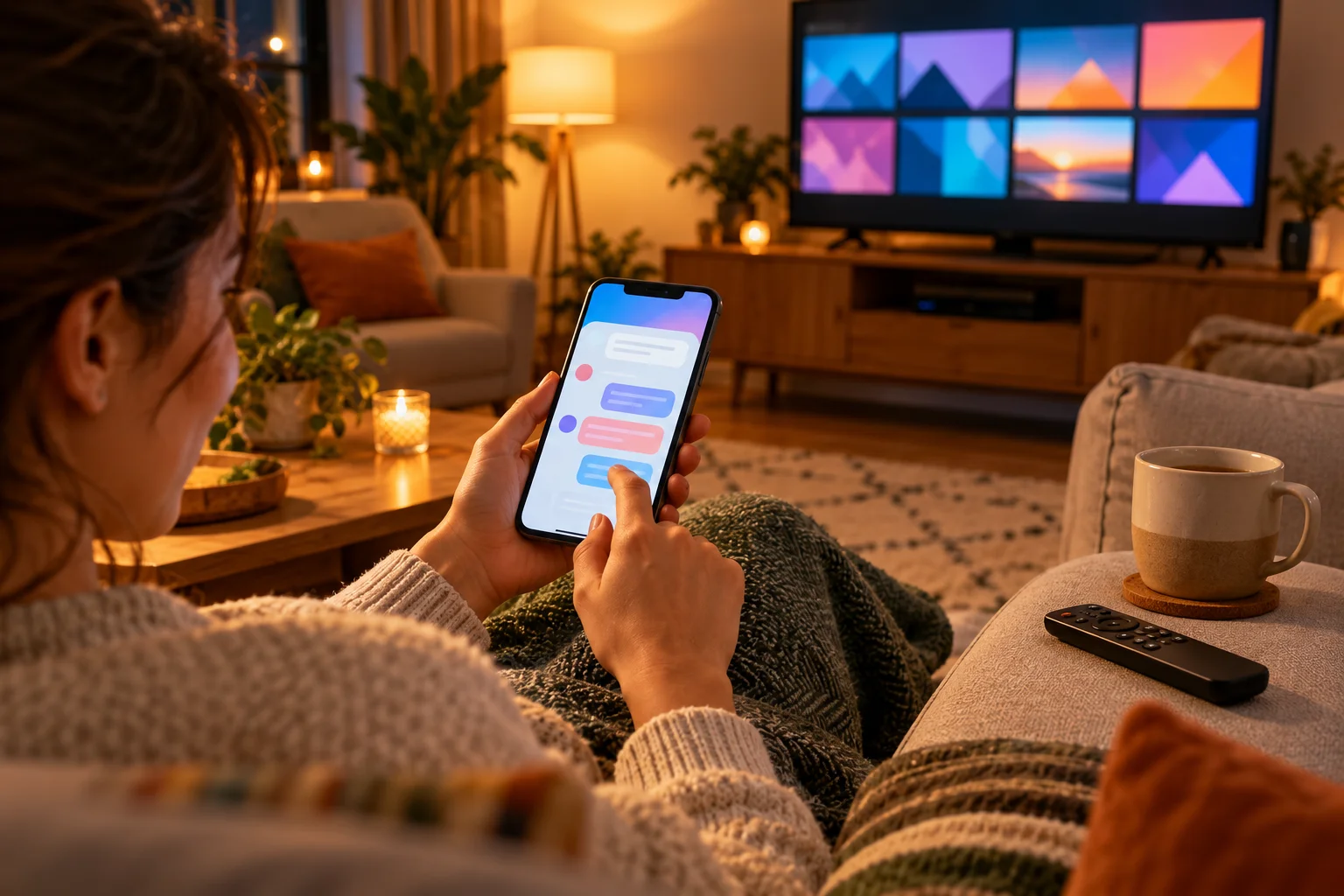
- Keep your order details and support contact in a note on your phone.
- Write the Wi-Fi password somewhere safe.
Be careful with VPNs
If you use a VPN and see buffering, try turning it off first.

Holiday homes and temporary stays
If you own or rent a holiday home, IPTV can be a neat answer, because you do not need a satellite installation or a long contract.
Before you travel
- Check that the property has working broadband and know the Wi-Fi name and password.
- Install the app and complete the setup at home, if you can, so there are no surprises.
- Pack your streaming device, power adapter and remote.
- Save our WhatsApp number in your phone.
When you arrive
Connect the device to the TV and the Wi-Fi. If anything is different, send us the screenshot and we can help. Our service is family friendly, with kids and family channels and no adult content.
Following local laws
IPTV is a legal technology, but rules on content, licensing and use vary between countries. We are not able to give legal advice. It is your responsibility to follow the laws where you live and to read our Terms of Use before ordering. If you are unsure, ask a local adviser.
We also believe in being honest about what we cannot promise. We do not guarantee any specific channel or sports right in any specific country. We suggest the 1-day trial so you can see the service for yourself on your own broadband. You can read what others say on our reviews page.
FAQ
Can I use IPTV Premium UK in Ireland and Europe?
Yes. IPTV Premium UK is designed for viewers in England, the UK, Ireland and Europe. You need a stable internet connection and a compatible device or app. Please follow the laws where you live.
Do I need a special device to watch UK TV abroad?
No. IPTV works on a Firestick, Android devices, Samsung and LG smart TVs, Roku, iPhone, iPad, Windows PC, Mac and MAG box. Most people use a device they already own. Our team helps with the setup for free.
What internet speed do I need for IPTV Europe?
About 10 Mbps is enough for HD and 25 Mbps is recommended for 4K. A cable or strong Wi-Fi is best. If you buffer, restart the app and router, move closer to Wi-Fi and turn off any VPN.
Will my channels be exactly the same in every country?
We never promise a specific channel in a specific country. Every plan includes 25,000+ live channels across categories like UK channels, sports, films and kids. If a channel matters to you, ask support to check or try the 1-day trial for £5.
How do I pay from abroad?
You choose a plan, enter your name, email and WhatsApp number, and no payment is taken on the website. Payment details are sent by email and WhatsApp, usually between 5 minutes and 2 hours. If they do not arrive, check spam and then contact us.
Is support available in my time zone?
Yes. Support is available 24/7 by WhatsApp on +44 7446 385834 and by email at support@iptvpremiumuk.com. Send your device, app and a screenshot to get a faster answer.
Can I take my subscription on holiday?
Yes, you can use a compatible device with an internet connection wherever you are, as long as you follow local laws. A Firestick or Android box is easy to pack. Keep your order details to hand in case you need to set up again.
Conclusion
Watching UK television from Ireland, Spain, Germany, France or the Netherlands comes down to a good connection, a device you trust and help when you need it. IPTV Europe does not need to be complicated, and with free setup and 24/7 support you are never left to work it out alone.
Ready to start? Compare our plans, follow the installation guide for your device, or message us on WhatsApp at +44 7446 385834 and we will get you going. If you are not sure yet, request the 1-day trial for £5 and see how it runs on your own broadband. Our refund policy is there if you want to read it first.
Want more guides like this?
Add IPTV Premium UK as a preferred source on Google, so our new articles show up more often in your Top Stories.
Ready to start watching?
25,000+ live channels and 140,000+ movies and series in HD and 4K, with free setup and 24/7 support.