Watch Live Sport on IPTV in the UK: Match Day Guide
How to watch live sport on IPTV in the UK with fewer problems: match-day preparation, wired connections, speed, the TV guide, PPV events, 4K and how to test a specific event first.
Few things are more frustrating than a picture that freezes just as the decisive moment arrives. If you want to watch live sport on IPTV, the good news is that most match-day problems are preventable with ten minutes of preparation and a few habits. Live sport is the most demanding thing you can stream, because you cannot pause your way out of a stumble and everyone else in the country is often watching at the same moment.
This guide is a practical, UK-focused plan for football, boxing, UFC, rugby, cricket, motorsport and the big pay-per-view nights. We will cover your connection, your device, the TV guide, 4K, multiple screens and what to do if something goes wrong. Throughout, we will be honest about what we can and cannot promise, because no IPTV service can responsibly guarantee a specific channel or sporting right. The smart move is to test the exact event you care about first.
Key takeaways
- All sports and PPV events are included in every IPTV Premium UK plan, with the same channels and quality on every plan.
- We do not promise any specific channel or sporting right, so test the event you care about with the £5 1-day trial or ask support.
- A wired connection is the single best upgrade for match-day stability.
- Aim for about 10 Mbps for HD and 25 Mbps recommended for 4K, and remember other devices share your bandwidth.
- Do your preparation before kick-off: restart the app and router, turn off any VPN and find the event in the TV guide early.
- If something goes wrong, contact support with your device and the event you are watching.

Why live sport is harder to stream than a film
A film can buffer for a second or two and you barely notice, because your device keeps a cushion of data ahead of what you are watching. Live sport has far less cushion, because the event is happening right now. That means small hiccups are more visible, and a slow connection is exposed quickly.
Three things tend to decide how smooth a live match feels:
- Your home connection. Speed and stability, especially on Wi-Fi.
- Your device. An older or overloaded device may struggle with a fast-moving picture.
- Demand at the time. Big events attract many viewers at once, which can strain any service. Preparation helps, but we will not pretend it removes this entirely.
Understanding these three points shapes everything else in this guide.
What sport is included with IPTV Premium UK?
Every plan includes all sports and PPV events, plus 25,000+ live channels, 140,000+ movies and series and a TV guide. There is no separate sports tier to unlock, and the 3, 6 and 12 month plans all carry the same channels and quality.
People search for terms such as "iptv premier league", "iptv football", "iptv boxing ufc" and "iptv sports channels". We can describe the categories of content you will find, such as live football, boxing, UFC, rugby, cricket and motorsport, and pay-per-view events. What we cannot do is promise that a particular match, competition or channel will be available at a given time. Rights, schedules and broadcasts change.
The honest way to check a specific event
If one event matters to you, do not rely on guesswork. You have two good options:
- Take the £5 1-day trial and test the event itself on your own device and broadband.
- Message support on WhatsApp or by email and ask whether the event or channel you want is available.
That tiny test is worth far more than any promise from us or anyone else. If you are comparing providers more broadly, our checklist for choosing an IPTV provider lists the questions worth asking.
Match-day connection: the foundation of smooth sport
If you only fix one thing, fix this.
Use a cable if you can
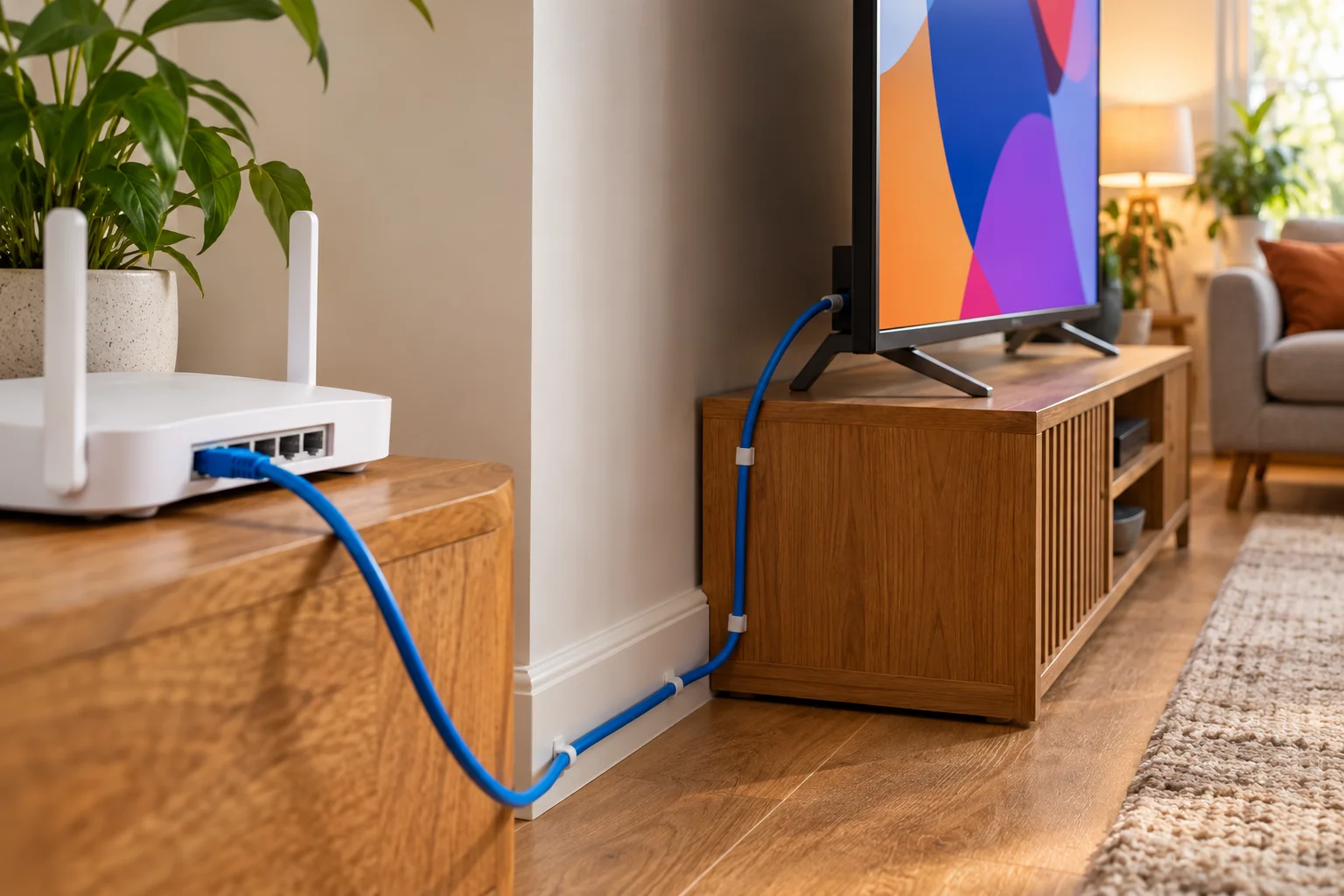
A wired connection (Ethernet) between your router and your TV, box or Firestick adapter removes the biggest source of trouble: Wi-Fi. Wi-Fi is shared, affected by walls and neighbours, and varies minute by minute. A cable gives a steady line.
If your device has no Ethernet port, many devices can use an adapter. If a cable is not possible, move on to the Wi-Fi tips below.
Check your speed
Use these guides as rough targets:
- About 10 Mbps for HD
- 25 Mbps recommended for 4K
Those figures are for the stream itself. If other people are gaming, video calling or downloading, you need more headroom. Test your speed at the time of day you normally watch, not at lunchtime on a quiet Tuesday. Our guide to internet speed for IPTV explains how to work out what your household needs.
Make Wi-Fi as good as it can be
If you must use Wi-Fi:
- Sit the TV or device closer to the router, or move the router to a central spot.
- Keep the router off the floor and away from thick walls, microwaves and cordless phones.
- Ask the household to pause large downloads and updates during the match.
- Use the 5 GHz band if your router offers it and the device is close enough.
Your match-day checklist
Do this before the event, not during it. Think of it as a pre-flight check.
One hour before
- Restart your router. Switch it off, wait a short time and switch it back on. This clears many small faults.
- Restart the app. Close it fully, then reopen it.
- Turn off any VPN. A VPN can slow your connection or interfere with streams. Our post on using IPTV with a VPN explains the trade-offs.
- Check the stream. Open a live sports channel for a minute to confirm everything is loading.
Thirty minutes before
- Find your event in the TV guide. Do not leave this until kick-off.
- Close other apps. On Firestick and Android devices, close background apps.
- Tell the household. Ask people to hold off on big downloads or updates.
Using the TV guide to find sport quickly
A channel list with thousands of entries can be overwhelming when the whistle is about to blow. The TV guide (EPG) is the quickest way to find what you want. Every plan includes it.
Good habits:
- Look through the guide earlier in the day and note the channel for your event.
- Use your app's favourites feature, if it has one, to keep sports channels together for quick access.
- Check the start time carefully, including time zones for overseas events.
- Remember that the guide reflects the schedule it has; last-minute changes can happen.
For a fuller walkthrough, see our explainer on the IPTV EPG and TV guide.

Pay-per-view events: boxing, UFC and big fight nights
PPV events are included in every plan. That is a big part of the appeal for fight fans, since these events can otherwise be expensive to watch separately.
A few practical points for fight nights:
- Early prelims and main card. Events often run for hours with different start times. Check the guide for the right segment.
- Allow extra loading time. Demand for big fights can be high, so open your app early.
- Confirm availability in advance. Because we do not promise specific events, ask support or use the £5 1-day trial for the night in question.
- Have a back-up device ready. A phone or tablet with the app installed can be a useful second option.
4K and picture quality for sport
Live sport looks impressive in high quality, but be realistic. IPTV Premium UK supports Full HD / 1080p and 4K where the channel supports it. That means many channels will play at HD, and 4K depends on the source.
If you want 4K:
- Make sure your TV or device supports it.
- Use a wired connection and aim for 25 Mbps or more, as recommended.
- Check that your app and settings allow it.
- Test with a trial before a big event.
If your connection is borderline, an HD stream that plays steadily will look better than a 4K stream that keeps stalling. Stability first, resolution second.
Best devices for sport
You can use any supported device, but some are better suited to match day.
Firestick
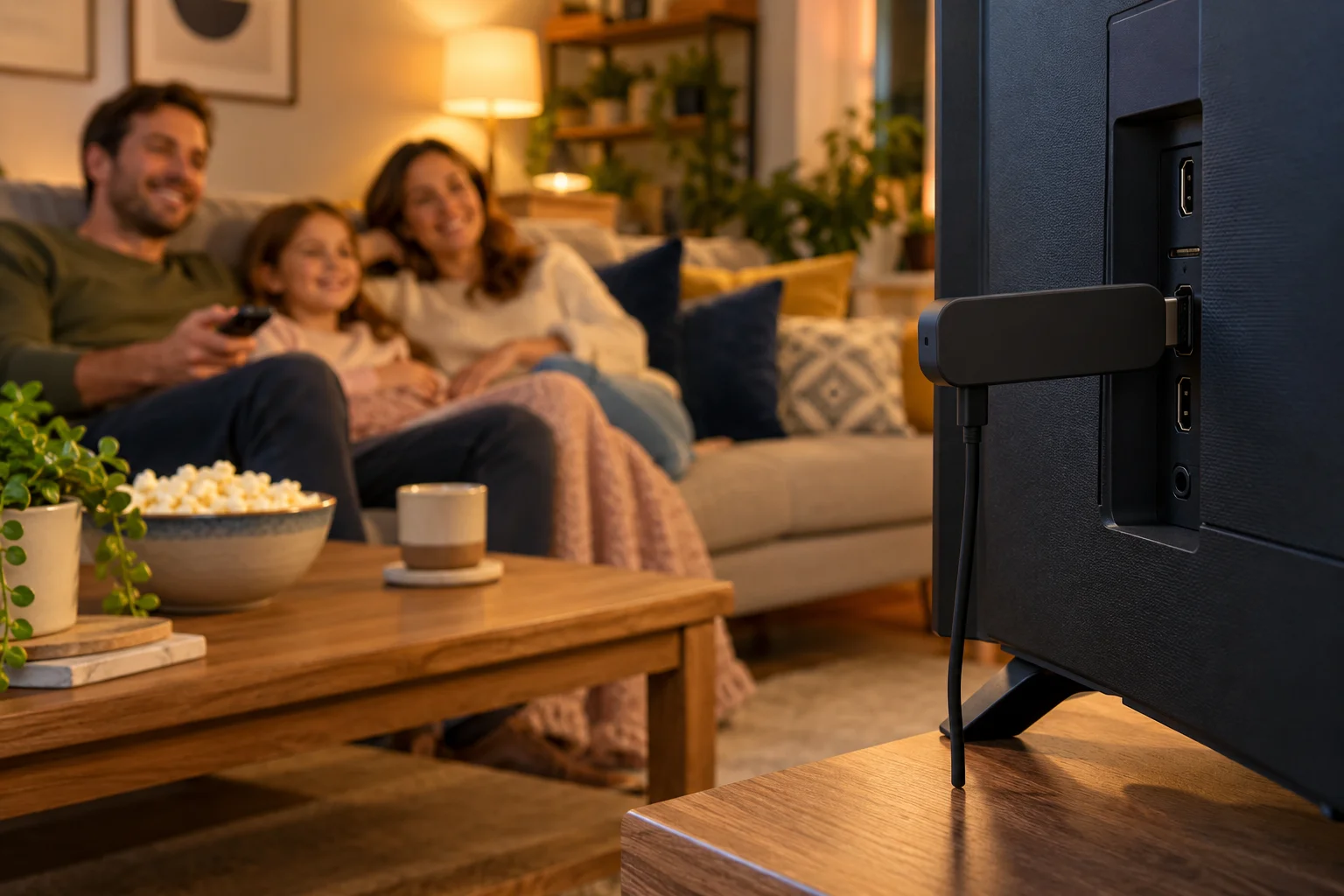
A very popular option for sport. Many people use a Firestick for its simplicity and portability. Our guide on installing IPTV on a Firestick walks you through it, and the app is installed using Downloader. Make sure it is plugged in to power properly and not hidden behind the TV where it can overheat.
Smart TV
Samsung and LG smart TVs can run IB Player Pro, which keeps things neat without extra hardware.
Android box, phone and tablet
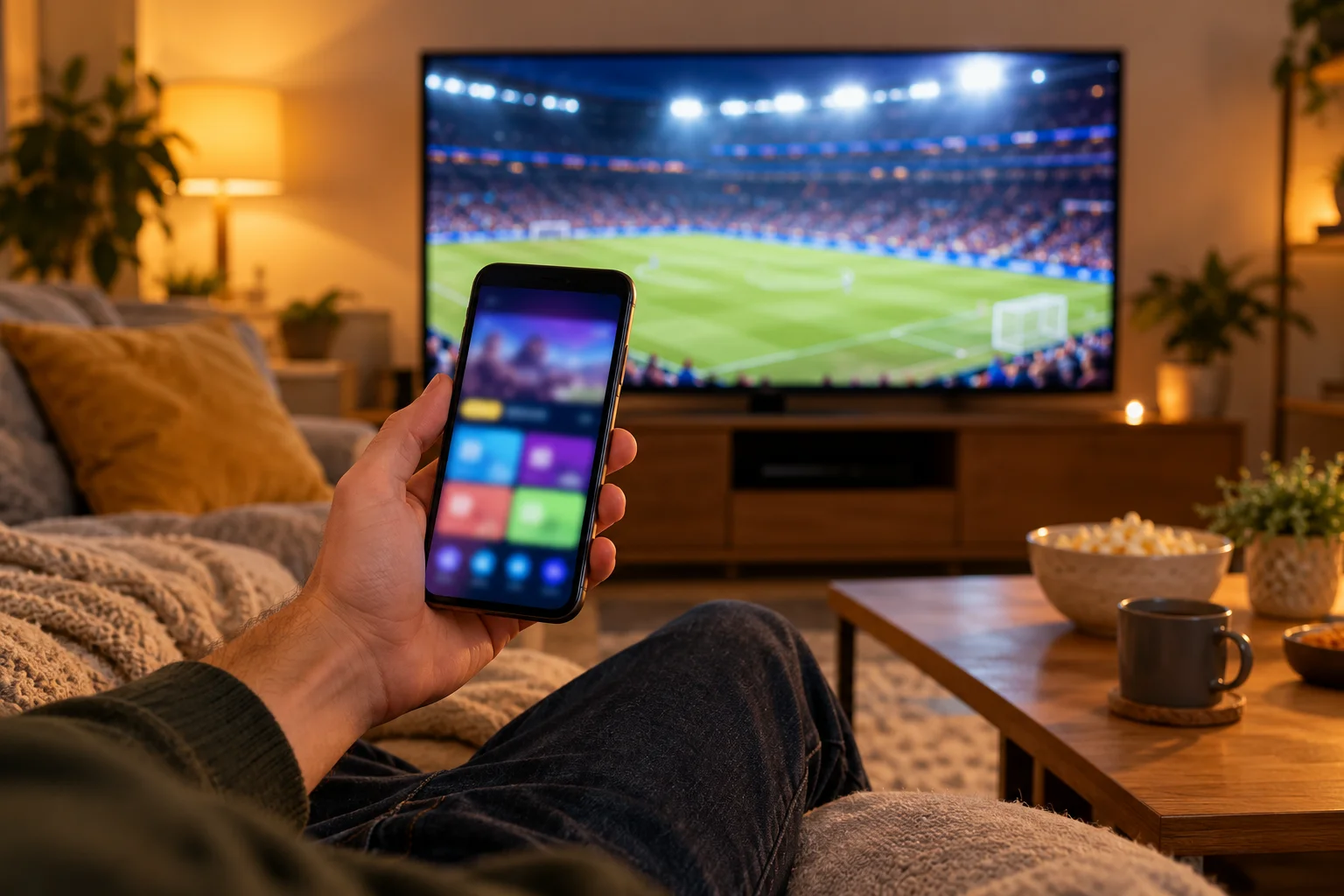
Android devices work well and are good for second screens and travelling to a friend's house for a match.
Multiple devices and rooms
You can use IPTV Premium UK across different supported devices in your home. Remember that each stream uses bandwidth, so if two rooms watch HD at once you will need more speed than one room alone. Plan for the whole household, not only the main TV.

What to do if the stream stutters on match day
Do not panic. Work through these in order.
- Restart the app. Close it and reopen it.
- Restart your router. If you can do it between phases of play, even better.
- Move to a cable or sit closer to Wi-Fi.
- Turn off any VPN.
- Reduce what else is using the connection. Pause downloads and video calls.
- Contact support. Tell us your device and the event you are watching so we can look into it.
Our detailed guide to fixing IPTV buffering and freezing goes further, with a full troubleshooting list. Our FAQs cover everyday questions. Our refund policy explains how refunds work should you need it.
Staying on the right side of the rules
Sport is a sensitive area. Rights and local laws vary, and we are not able to give legal advice. Technology itself is legal, but please read our Terms of Use and follow the laws where you live. Use IPTV for private viewing at home, and be careful about any service that makes sweeping guarantees about sport.
Getting started before the next big event
If you are new to our service, here is the order of play:
- Choose a plan on the website.
- Enter your name, email and WhatsApp number. There is no payment on the website.
- Wait for the payment and order details by email and WhatsApp, usually between 5 minutes and 2 hours.
- Pay, then send us the MAC Address and Device Key screenshot from your app.
- We set it up for free and you can start watching.
Prices are 3 Months at £30, 6 Months at £40, and 12 Months at £60 (£5 per month, best value, with a free media player). If you only want to test one fixture or fight, the £5 1-day trial is the easy route.
FAQ
Can I watch live sport on IPTV in the UK?
Yes, every IPTV Premium UK plan includes all sports and PPV events as categories of content. We do not promise any specific channel, competition or sporting right, so test the event you care about with the £5 1-day trial or ask support first.
Will I be able to watch the Premier League or a specific boxing fight?
We cannot promise any specific competition, match or fight, because rights and schedules change. The best approach is to request the £5 1-day trial or contact support and ask about the exact event before you commit to a longer plan.
How much internet speed do I need for live sport?
About 10 Mbps for HD and 25 Mbps recommended for 4K. Other devices in your home share the same connection, so allow extra headroom on a busy match day, and use a wired connection if you can.
Why does my stream buffer on match day?
The usual causes are Wi-Fi interference, a busy router, other devices using bandwidth or a VPN. Restart the app and router, use a cable or sit closer to Wi-Fi and turn off the VPN. If it continues, contact support with your device and the event you are watching.
Should I use a VPN to watch sport?
We recommend turning it off when buffering is an issue, as it can slow or interrupt streams. Try watching without it first. Whatever you do, follow the Terms of Use and the laws where you live.
Is 4K sport available?
Yes, where the channel supports 4K, and your TV, device and connection can handle it. For 4K we recommend 25 Mbps, ideally on a wired connection. Many channels will play in HD or Full HD instead.
Can I watch on more than one device at once?
You can use the service on supported devices, but each stream uses bandwidth. If you plan to watch in several rooms, make sure your broadband has enough speed for all of them at the same time.
Conclusion
To watch live sport on IPTV with confidence, prepare before the event. Use a cable where you can, check your speed, restart the app and router, turn off your VPN and find your event in the TV guide well before kick-off. Be realistic about picture quality, plan for the whole household's bandwidth and keep a back-up device ready for big nights.
Most importantly, do not rely on promises. Use the £5 1-day trial or ask support to confirm the exact event you want. When you are ready, look at our plans. The installation guide covers setup step by step. If you prefer a person, contact us on WhatsApp for free setup help. IPTV Premium UK offers 24/7 support and no contracts, so you can enjoy match day without being tied in. You can also read our reviews first. To learn more, see about us.
Want more guides like this?
Add IPTV Premium UK as a preferred source on Google, so our new articles show up more often in your Top Stories.
Ready to start watching?
25,000+ live channels and 140,000+ movies and series in HD and 4K, with free setup and 24/7 support.