What Is IPTV and How Does It Work? UK Beginner's Guide
What is IPTV? A plain-English UK guide to how internet protocol television works, what you need to start, how apps and login details fit in, live TV versus on-demand and costs.
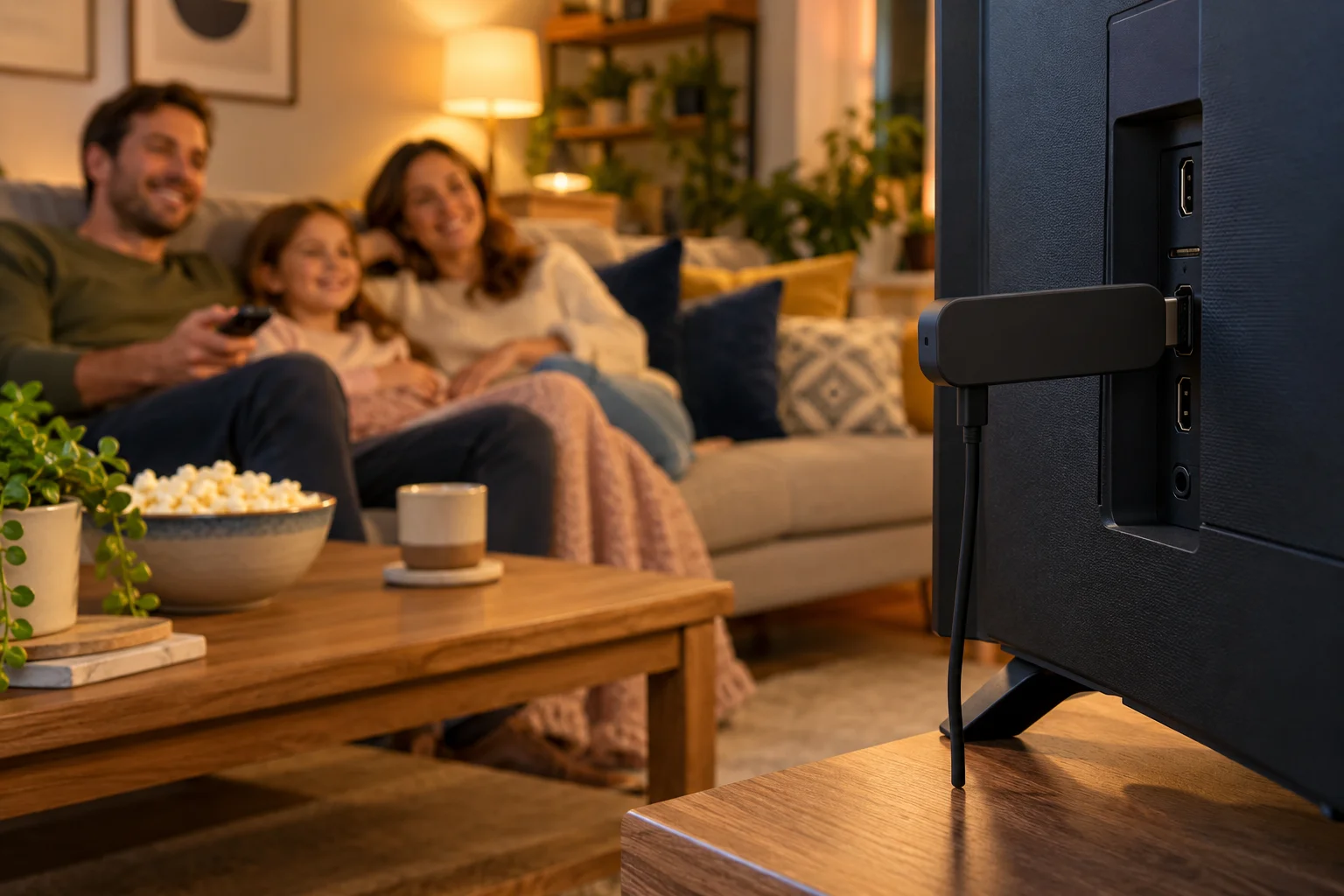
If you have heard friends talk about it and wondered what is IPTV, you are not alone. The name sounds technical, but the idea is simple: television that arrives through your internet connection instead of through an aerial, a satellite dish or a cable. You watch it in an app, on a device you probably already own.
This beginner's guide explains IPTV in plain English. We will cover how it works, how it differs from satellite and aerial, what you need, how apps and login details fit in, the difference between live and on-demand viewing, the TV guide, devices, costs and a note on legality. By the end you will know whether IPTV is for you and exactly how to start with IPTV Premium UK.
Key takeaways
- IPTV stands for internet protocol television: TV and video delivered over the internet rather than through an aerial or dish.
- You need three things: a decent internet connection, a compatible device and an IPTV app with your login details.
- Most services offer live channels, on-demand films and series, and a TV guide (EPG) so you can see what is on.
- For smooth viewing, plan on about 10 Mbps for HD and 25 Mbps recommended for 4K.
- IPTV Premium UK plans start at £30 for 3 Months, with the 12 Months plan at £60 (£5 per month) and no contracts.
- The technology is legal, but you should always read the Terms of Use and follow the laws where you live.
What is IPTV? The meaning in plain English
IPTV stands for internet protocol television. "Internet protocol" is simply the standard way that data travels across the internet. So IPTV means television that is sent as internet data, in the same general way that a web page, a video call or a song stream reaches you.
Compare that with how many of us grew up watching TV:
- Aerial (terrestrial): a signal broadcast through the air and picked up by an aerial on your roof.
- Satellite: a signal beamed from a satellite and picked up by a dish.
- Cable: a signal that comes through a physical cable network.
With IPTV, none of these is needed. If your home has working broadband, the TV can reach you through that same line.
Is IPTV the same as Netflix or iPlayer?
Not exactly, though the delivery method is similar. Streaming apps such as video-on-demand services let you pick programmes from a catalogue. Many IPTV services combine that on-demand style with live channels, so you can watch things as they are broadcast, with a programme guide, as you would on a traditional TV box. That mix of live TV and a large library, in one place, is what people usually mean when they search "iptv vs streaming apps".
If you are comparing IPTV with pay-TV boxes specifically, our fair comparison of IPTV against Sky, Virgin Media and BT TV looks at contracts, equipment and flexibility.
How does IPTV work? A simple step-by-step view
You do not need to understand the engineering, but a basic picture helps you troubleshoot and choose a service sensibly.
- The channels and videos are stored or received by the provider. The service gathers the channels and on-demand titles it offers.
- They are sent over the internet. Instead of broadcasting to a dish, the content is delivered to you as data when you ask for it.
- Your app requests the stream. When you choose a channel, your app asks the service for that stream.
- Your device plays it. The app decodes the data and shows the picture on your screen.
Because your internet connection is the delivery route, its quality shapes your experience. A fast, stable connection gives smooth viewing. A weak or overloaded one can cause buffering, which is the pause you see while the app waits for more data.
IPTV vs satellite and aerial: the key differences
Here is a neutral side-by-side of the categories, without naming or judging any brand.
Equipment
Aerial and satellite need aerials, dishes and sometimes receivers. IPTV needs a device that can run an app. That could be a Firestick, an Android box, a smart TV, a phone, a tablet or a computer.
Installation
Satellite normally needs a visit to fit a dish. IPTV is software: you install an app and sign in. There is nothing to bolt to the wall.
Where you can watch
An aerial or dish serves the specific socket or box it is connected to. IPTV is device-based, so you can use the same service on different supported devices around the home.
What do you need to start watching IPTV?
The shopping list is shorter than most people expect.
1. An internet connection
Look at your speed. A practical guide is about 10 Mbps for HD and 25 Mbps recommended for 4K. A wired connection (an Ethernet cable) is the most reliable; strong Wi-Fi is the next best. If other people in the house are streaming at the same time, allow extra headroom.
2. A compatible device
Our service works on:
- Firestick (Amazon Fire TV)
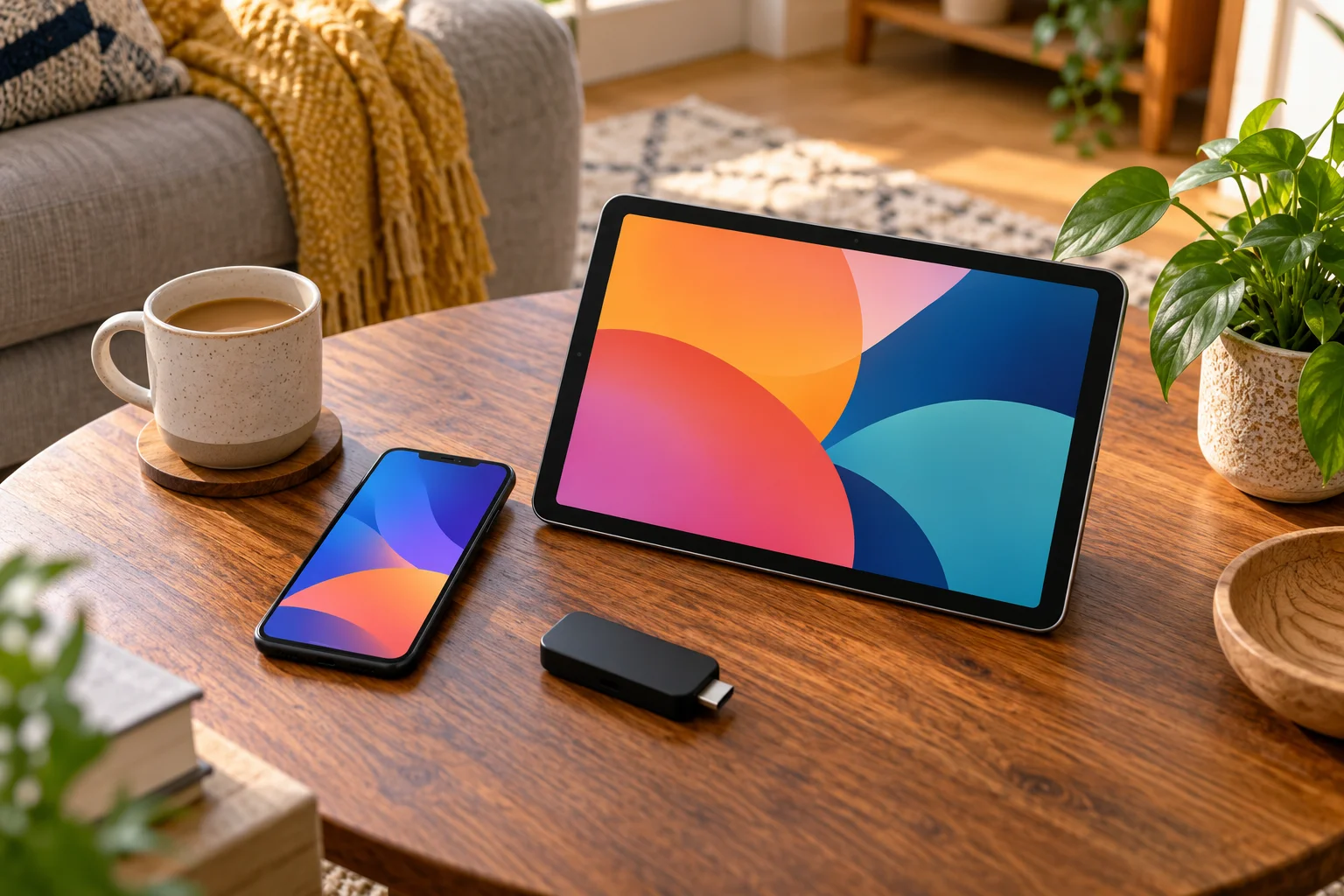
- Android TV, Android box, phone and tablet
- Samsung Smart TV and LG Smart TV
- Roku
- iPhone and iPad (iOS)
- Windows PC and Mac
- MAG box
If you do not own a suitable device, the 12 Months plan includes a free media player.
3. An IPTV app
The app is what you actually watch in. IB Player is our recommended app (IB Player Pro on Samsung, LG and Windows). Other compatible apps include TiviMate, Smart IPTV, IPTV Smarters, SmartOne, GSE Smart IPTV, VLC and Kodi. Our player apps guide explains the differences.
4. A subscription
A subscription gives you access to the channels and library through your chosen app.
Apps, M3U and Xtream Codes: the login details made simple
This is the part that sounds intimidating, so let us make it plain. An IPTV app is like an empty shell. It does not contain channels until you link it to your subscription. There are a few common ways of doing that, and you will see these terms online.
M3U playlists
An M3U is a playlist file or web address that lists the channels and where to find them. You paste it into an app and the app loads the list. People often search "iptv m3u" because many apps accept this format.
Xtream Codes
Xtream Codes is a login-style method. Instead of one long address, you enter a server address, a username and a password, and the app fetches your channels and the guide. Searches for "iptv xtream codes" are common because it is easy to type and tidy in apps.
The MAC Address and Device Key method
Some apps, including the one we recommend, can be activated by device details instead. With our service, the process is straightforward:
- Open your chosen app on your device.
- Take a screenshot of the MAC Address and Device Key shown on screen.
- Send the screenshot to us on WhatsApp.
- We set it up for free and your channels appear.
You do not need to enter long web addresses or fight with a TV remote keyboard. If you are on a Firestick, the app is installed using the Downloader app; follow our Firestick installation guide for step-by-step instructions.
Live TV vs on-demand: what is the difference?
Most beginners find it easier to understand with a plain comparison.
Live TV
Live television is watched as it is broadcast. You choose a channel, and it plays whatever is on right now. This is the best fit for news, sport and anything where timing matters. IPTV Premium UK includes more than 25,000 live channels across categories such as UK channels, sports, films and kids.
On-demand
On-demand means you pick a film or series and watch it whenever you like, pause it, and come back later. The service includes more than 140,000 movies and series, so there is plenty to browse for family nights, boxsets and one-off films.
The TV guide (EPG) explained
EPG stands for electronic programme guide. It is the on-screen schedule that shows what is on now and what is coming next, much like the guide on a traditional TV box. Instead of flicking through thousands of channels, you open the guide, find a programme and press play.
With the guide you can:
- See what is on across channels at a glance.
- Plan an evening ahead, including sport and films.
- Search or filter to cut down a very big channel list.
If you want to go deeper, we explain the topic in our post on the IPTV TV guide. Every plan includes the EPG.
What does IPTV cost?
Pricing for IPTV varies from provider to provider, so always read what is included. For our service, the plans are:
- 3 Months: £30 (£10 per month)
- 6 Months: £40 (£6.67 per month)
- 12 Months: £60 (£5 per month), best value and including a free media player
The channels and quality are the same on every plan. There are no contracts and no hidden fees. You can see the details under our plans.
Want to test first?
There is a paid £5 1-day trial. You request it through the website chat, and it lets you try the service on your device and your broadband before committing to a longer plan. It is especially useful if you want to check a particular channel or event, because we do not promise specific channels.
Is IPTV legal? An important note
The technology behind IPTV, delivering television over the internet, is legal. What matters is how a service obtains and provides its content and how you use it. We cannot give legal advice, and we do not claim anything beyond that. Please read our Terms of Use and follow the laws where you live. If you have doubts about a particular service or channel, ask the provider and check before you buy.
Getting the best from IPTV: practical tips
Once you are set up, a few habits make a big difference.
- Use a cable if you can. A wired connection is the most stable option for a TV that stays in one place.
- Sit closer to the router on Wi-Fi. Or move the router somewhere more central.
- Restart now and then. Restarting the app and the router clears many small problems.
- Turn off your VPN. If you use one, switch it off when watching IPTV, as it can slow the connection.
- Keep your device updated. An out-of-date app or system can behave oddly.
- Contact support with details. If something still fails, tell us your device and what you were watching.

How to start with IPTV Premium UK
Ready to go? Here is the whole process in order:
- Choose a plan on the website.
- Enter your name, email and WhatsApp number. There is no payment on the website.
- Wait for the payment and order details by email and WhatsApp, usually between 5 minutes and 2 hours.
- Pay, then send your MAC Address and Device Key screenshot.
- We complete the free setup via chat and you start watching.
Our service provides 24/7 support, instant activation once everything is in place and a refund policy you can read before ordering. Browse our FAQs for quick answers. Check reviews from other customers. Learn more about us.
FAQ
What is IPTV in simple terms?
IPTV is television delivered through your internet connection instead of an aerial, dish or cable. You watch it in an app on a device such as a Firestick, smart TV, phone or computer. Many services combine live channels with a large on-demand library.
How does IPTV work?
The provider sends channels and videos as data over the internet. When you pick a channel in your app, your device requests that stream and plays it. Because the internet is the delivery route, the speed and stability of your broadband matter.
Do I need special equipment for IPTV?
Usually not. You need an internet connection and a compatible device such as a Firestick, Android device, Samsung or LG smart TV, iPhone, iPad, Windows PC, Mac or MAG box. The 12 Months plan from our service includes a free media player.
What internet speed do I need?
About 10 Mbps for HD and 25 Mbps recommended for 4K. A wired connection or strong Wi-Fi gives the best result, and speeds are shared with other devices in your home.
What are M3U and Xtream Codes?
They are two common ways of linking an app to a subscription. An M3U is a playlist address, and Xtream Codes use a server address with a username and password. With IPTV Premium UK we can set up your app for free using the MAC Address and Device Key.
Is IPTV legal?
The technology is legal. We cannot give legal advice, so please read the Terms of Use and follow the laws where you live.
Can I try IPTV before committing to a plan?
Yes. There is a paid 1-day trial for £5, requested through the website chat. It is a low-cost way to test your device, connection and a particular channel or event.
Conclusion
So, what is IPTV? It is TV over the internet: live channels, a big on-demand library and a TV guide, delivered to an app on the device you already own. It does away with the dish and the box, and it puts your broadband at the centre of the experience, which is why checking your speed and using a cable or strong Wi-Fi really pays off.
IPTV Premium UK offers UK-focused IPTV with no contracts, free setup and 24/7 support. Take a look at our plans. The installation guide covers setup step by step. If you prefer a person, contact us on WhatsApp for help choosing a device. Try the £5 1-day trial if you want to see it working before you commit.
Want more guides like this?
Add IPTV Premium UK as a preferred source on Google, so our new articles show up more often in your Top Stories.
Ready to start watching?
25,000+ live channels and 140,000+ movies and series in HD and 4K, with free setup and 24/7 support.