How to Choose an IPTV Provider in the UK: 12-Point Checklist
Not sure how to choose an IPTV provider? Use this practical 12-point UK checklist with the questions to ask before paying, covering price, support, setup, refunds, trials and red flags.
Knowing how to choose an IPTV provider is the difference between a smooth evening of television and a month of buffering, confusing menus and unanswered messages. The trouble is that most provider websites look alike. They all talk about thousands of channels, great prices and instant access, so the real differences only show up after you have paid.
This guide gives you a practical 12-point checklist, with the exact questions to ask before you hand over any money. Use it on any provider you are considering, and see how IPTV Premium UK answers each point so you have a fair benchmark to compare with.
Key takeaways
- Judge a provider on stability, support and setup help, not just on channel numbers or the lowest price.
- Ask clear questions before paying: how ordering works, what the refund policy says, and which devices are supported.
- Never rely on a single glowing comment. Read reviews widely and test the service yourself.
- A short, low-cost trial tells you more than any sales page.
- No contracts and no hidden fees should be standard, not a bonus.
- Keep a record of your order details and talk to support early if anything looks wrong.
Why a checklist beats gut feeling
When you search for an IPTV provider UK viewers can trust, you will find slick websites with similar promises. Gut feeling is not a reliable guide here, because a good-looking page costs very little to build.
A checklist forces you to compare providers on the same terms. It also protects you from impulse decisions, such as buying a long plan because of a countdown timer or a "today only" banner. Take ten minutes with the points below and you will make a calmer, better choice.

The 12-point checklist
Each point below includes the question to ask, what a good answer looks like and why it matters.
1. Is the pricing clear and in pounds?
Ask: what exactly do I pay, for how long, and in which currency?
A good provider shows its plans openly and states the cost for each period. IPTV Premium UK lists three plans: 3 Months at £30 (£10 per month), 6 Months at £40 (£6.67 per month) and 12 Months at £60 (£5 per month). Be wary of any seller who will only quote a price in private chat or changes the figure once you show interest. You can see our plans on the homepage at any time.
2. Are there contracts or hidden fees?
Ask: is there anything else to pay, now or later?
You should know exactly what happens when your period ends. With no contract, you choose a length, pay once for it and decide later whether to continue. Check that sport and PPV events are not sold as extras on top. At IPTV Premium UK, all sports and PPV events are included on every plan.
3. What are the picture quality claims, exactly?
Ask: is it Full HD, and which channels support 4K?
Look for specific wording. Full HD or 1080p is a sensible baseline, and 4K is only genuine where the channel supports it. If a provider claims everything is 4K, treat that with caution. Every plan from IPTV Premium UK includes Full HD / 1080p and 4K where the channel supports it.
4. Is the channel and content range realistic?
Ask: do you cover the types of programmes my household watches?
Do not chase the biggest number. Think of the categories you use: UK channels, sports, films, series and kids. This service has 25,000+ live channels and 140,000+ movies and series, but no honest provider can guarantee every specific channel at all times. If one channel is essential, ask support to check it and then test it during a trial.
5. Does it work on your devices?
Ask: will this run on my TV, stick or phone, and which app should I use?
A good provider names the devices and apps. Supported options here include Firestick (Amazon Fire TV), Android TV, boxes, phones and tablets, Samsung and LG Smart TVs, Roku, iPhone and iPad, Windows PC, Mac and MAG box. IB Player is recommended (IB Player Pro on Samsung, LG and Windows), and TiviMate, Smart IPTV, IPTV Smarters, SmartOne, GSE Smart IPTV, VLC and Kodi are also compatible.
6. Is setup help included and free?
Ask: who sets this up, how, and does it cost extra?
Setup is where many beginners get stuck. A strong answer is a simple, free process with a real person. For example, you open the app, send a screenshot of the MAC Address and Device Key, and the team sets it up at no charge. You can follow the full steps in the installation guide. This is the heart of what people mean by IPTV free setup: help with installation, not free television.
7. How good is support, and when is it available?
Ask: how do I reach you and how fast do you reply?
Test this before you buy. Send a question and see how quickly and clearly someone answers. Support is available 24/7 on WhatsApp (+44 7446 385834) and by email at support@iptvpremiumuk.com. Anyone who disappears after payment is a red flag.

8. What does the ordering process look like?
Ask: how do I order, and when and how do I pay?
A clear process has steps you can describe back. Here it works like this: you choose a plan, enter your name, email and WhatsApp number, and no payment is taken on the website. Payment and order details then arrive by email and WhatsApp, usually between 5 minutes and 2 hours. You pay, then start watching. Be cautious about any site that takes card details immediately and says nothing about what follows. Our guide to buying IPTV safely goes deeper.
9. Is there a refund policy you can read?
Ask: what happens if it does not work for me?
A published refund policy is a basic sign of good faith. Read it before ordering rather than after. You can find ours on the refund policy page, alongside the terms of service. If a provider has no written policy at all, ask why.
10. Can I try it first at low risk?
Ask: is there a trial, and what does it cost?
A short trial lets you test on your own device, in your own home, at peak time. IPTV Premium UK offers a paid 1-day trial for £5, requested through the website chat. It is a modest amount for a proper test rather than a promise to take on trust.
11. What do independent reviews say?
Ask: where can I see feedback, and does it feel balanced?
Read reviews in more than one place. Look for specific detail, such as the device used or the type of problem solved, rather than only generic praise. Have a look at the reviews page and compare it with what you can find elsewhere. A mix of detail and honesty is more trustworthy than a wall of identical five-star comments.
12. Does the provider explain who it is and what the rules are?
Ask: who is behind this, and where are the terms?
You should be able to find an about page, contact details and written terms. Read the Terms of Use before you pay. IPTV is simply television delivered over the internet and the technology itself is legal, but you are responsible for following the laws where you live, and we cannot give legal advice.
A quick scoring method
If you are comparing two or three providers, score each point from 0 to 2:
- 0 means no answer or a worrying answer.
- 1 means a partial answer or something unclear.
- 2 means a clear, satisfactory answer.
Add up the totals. Anything that scores 0 on support, refunds or pricing deserves extra thought, even if the total looks fine. Remember that a single honest "I am not sure, let me check" is better than a confident answer that turns out to be wrong.
Red flags that should make you pause
Some warning signs are worth knowing in advance:
- Pressure to pay immediately, with fake countdown timers or "only 2 left" banners.
- No contact method other than a form that never replies.
- Vague or missing information about refunds and terms.
- Promises of every channel and every sports right with no caveats.
- Payment requests that arrive from unknown personal accounts with no order record.
- Pricing that is far lower than everything else, with no explanation of how.
None of these on its own proves anything, but several together are a clear signal to walk away.
Questions to put in your first message
Copy and adapt these into a message to any provider. Their reply tells you a lot:
- Which devices and apps do you recommend for my setup?
- Is setup included, and how long does it normally take?
- What are your support hours and how can I contact you?
- How does ordering and payment work, step by step?
- What is your refund policy, and where is it written down?
- Do you offer a trial, and how much is it?
- Can you check whether a particular channel is available?
Notice the tone of the answer as much as the content. Clear, friendly and specific is what you want.

Prepare your own home before you test
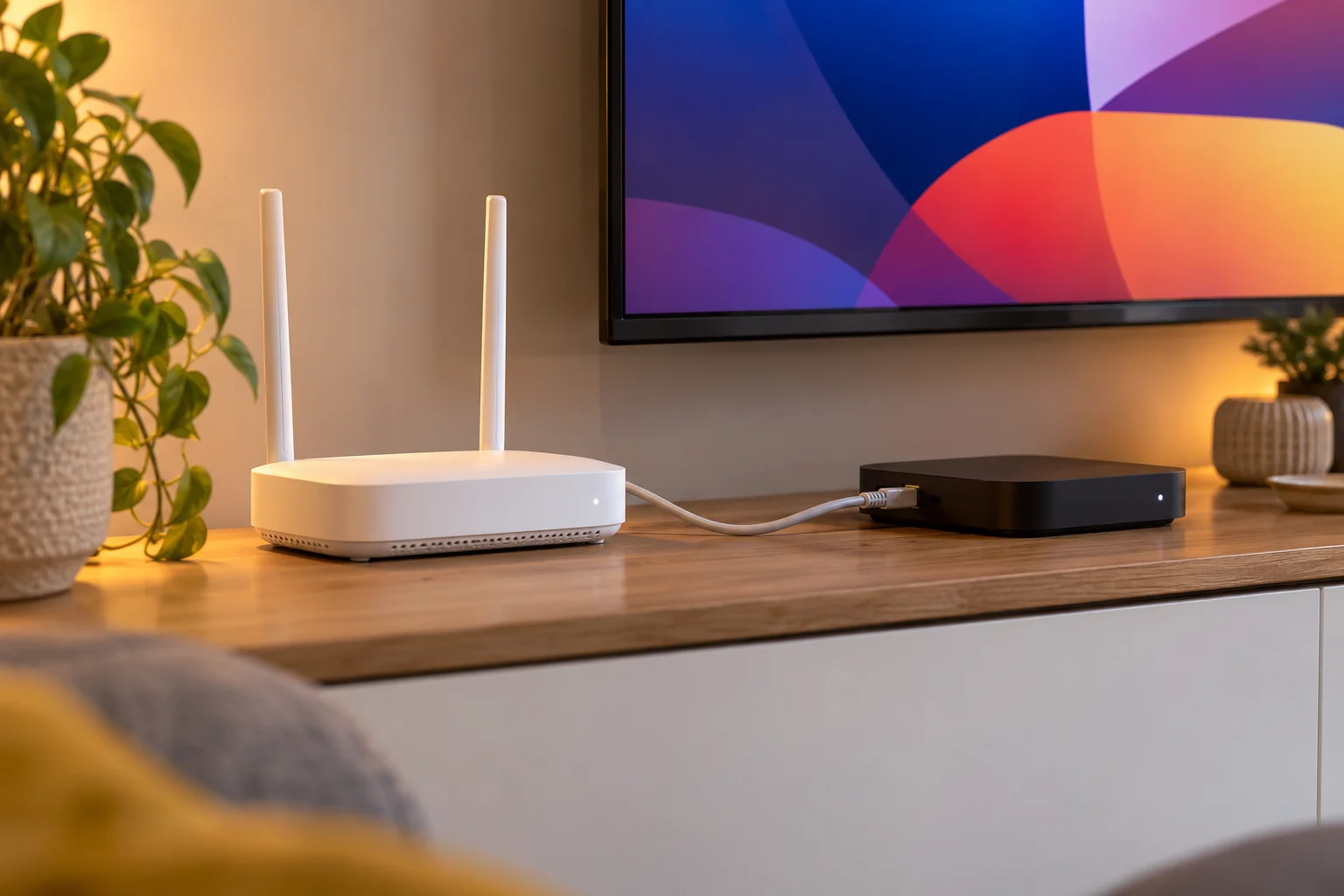
Even a well-run service can look poor on a weak connection, so check your own setup first. As a guide, you need about 10 Mbps for HD and 25 Mbps recommended for 4K. A wired connection or strong Wi-Fi gives the best results.
If you do see buffering, the usual fixes are simple:
- Restart the app and your router.
- Use a cable, or move closer to the Wi-Fi.
- Turn off any VPN.
- Contact support with your device and what you were watching.
This matters when comparing providers. If you test a service on a slow connection, you might blame the provider for a problem that sits in your home, and you might rule out a good option.
Choosing the plan length once you are happy
Once a provider passes your checklist and a trial, decide how long to commit for. All our plans have the same channels and quality, so the only difference is price per month: £10 on 3 months, £6.67 on 6 months and £5 on 12 months, with a free media player included on the 12 month plan. Our comparison of 3, 6 and 12 month plans explains who each one suits.
If you want the wider picture first, our best IPTV subscription UK guide covers what makes a good service overall.

What a good first week looks like
After you pay, your first week is your own informal test. Here is a sensible routine:
- Day one: install the app, send your MAC Address and Device Key screenshot and confirm the channels load.
- Days two and three: watch at peak evening time and note any problems with the time and channel.
- Midweek: try a film or series, and check the TV guide (EPG).
- Weekend: watch a live event or longer programme if you can.
- End of week: if something bothered you, contact support with specifics.
Specific notes make support far more effective. "It froze on one channel at 8pm on my Firestick" is far easier to solve than "it does not work".
FAQ
How do I choose an IPTV provider?
Compare providers on pricing, contracts, picture quality, device support, setup help, support hours, ordering process, refund policy, trial options and reviews. Ask direct questions before paying and test with a short trial. A clear, specific answer to each point is a good sign.
What is the most important thing to check?
Support and stability matter most, because those decide your daily experience. Send a pre-sales question and see how quickly and clearly you get a reply. Then test during a busy evening, not a quiet afternoon.
Are IPTV reviews reliable?
They can be useful, but read widely and look for specific details. Be cautious about pages that only show identical, generic praise. You can start with our FAQs and the reviews page, then check other sources too.
What does "free setup" actually mean?
It means help with installation and configuration, such as sending your MAC Address and Device Key so the team can set up your app. It does not mean free television. Setup help via chat is included with every plan at IPTV Premium UK.
Is there a safe way to test an IPTV provider?
Yes. A short paid trial is the lowest-risk method. The 1-day trial costs £5, and you can request it via the website chat to test quality, devices and support before choosing a plan.
Should I pay for a long plan straight away?
It is better to test first. Longer plans cost less per month, but they make more sense once you have confirmed the service works on your device and connection. The 12 month plan works out at £5 per month.
Who can I contact with questions before buying?
You can message WhatsApp on +44 7446 385834 or email support@iptvpremiumuk.com at any time. You can also use the contact form to ask about devices, apps or specific channels.
Conclusion
Choosing well comes down to asking the right questions before you pay. Work through the 12 points, score each provider honestly, test with a short trial and keep notes on how support responds.
When you are ready, see our plans, start with the £5 1-day trial if you want a low-risk test, and use the installation guide to get set up. For anything else, contact us or message the team on WhatsApp at +44 7446 385834.
Want more guides like this?
Add IPTV Premium UK as a preferred source on Google, so our new articles show up more often in your Top Stories.
Ready to start watching?
25,000+ live channels and 140,000+ movies and series in HD and 4K, with free setup and 24/7 support.