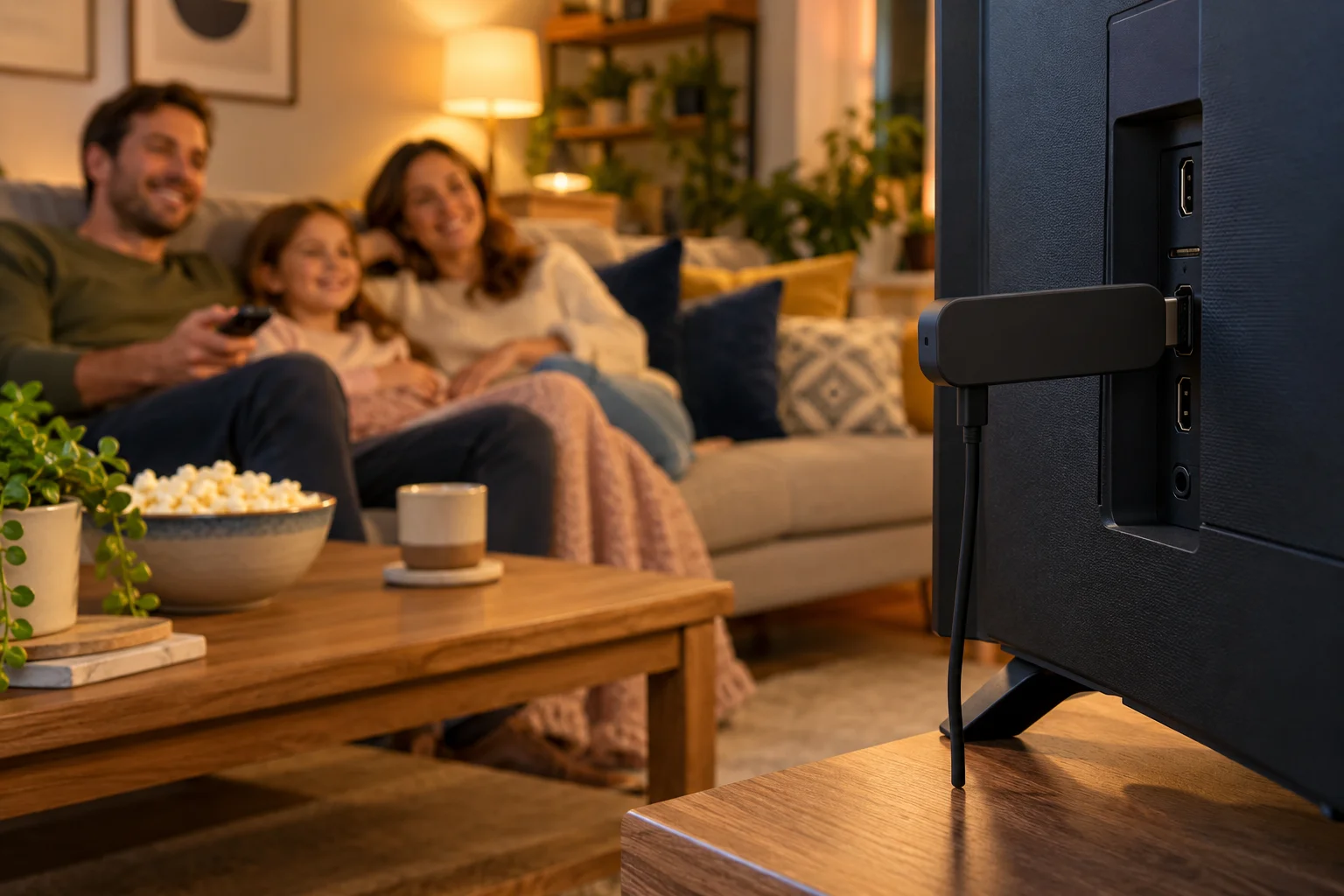
Best IPTV Subscription UK 2026: The Complete Buyer's Guide
Looking for the best IPTV subscription UK viewers can trust? This 2026 buyer's guide covers quality, stability, setup, support, price, contracts and devices, plus how IPTV Premium UK compares.
If you are searching for the best IPTV subscription UK viewers can rely on, you have probably noticed how confusing the market is. Dozens of websites promise thousands of channels, rock-bottom prices and "perfect" streams, yet very few explain what actually makes one service better than another. This guide cuts through the noise.
We will look at what really matters in 2026: picture quality, stability, setup help, support, price, contracts and device compatibility. Along the way you will see how IPTV Premium UK fits each of those criteria, so you can judge for yourself rather than taking anyone's word for it.
Key takeaways
- The best IPTV subscription is the one that is stable in the evening, easy to set up on your own device and backed by support that answers quickly.
- Channel counts are less important than whether the channels you actually watch (UK channels, sport, films, kids) are available and reliable.
- Look for clear pricing in pounds, no contracts and no hidden fees, so you always know what you are paying.
- A low-cost, short trial is the safest way to test any service before committing to a longer plan.
- Your own internet connection matters: about 10 Mbps for HD and 25 Mbps recommended for 4K, ideally over a cable or strong Wi-Fi.
- Longer plans cost less per month, but only choose one after you have tested the service on your own TV.
What does "best IPTV subscription" actually mean?
IPTV simply means television delivered over the internet instead of through an aerial or satellite dish. An IPTV subscription gives you access to a catalogue of live channels, films and series that you watch through an app on your own device.
"Best" is not a single number. It depends on how you watch. A family that wants kids' channels and films on a Samsung TV has different needs from a sports fan who watches everything on a Firestick. Rather than chasing a headline claim, build your own scorecard from the criteria below.
The six things that decide quality
- Picture quality: Full HD (1080p) should be the standard, with 4K where the channel supports it.
- Stability: streams that stay smooth at peak times, not only on a quiet weekday afternoon.
- Content range: live channels, on-demand films and series, plus a TV guide so you can browse easily.
- Setup help: someone who will walk you through installation rather than leaving you with a link and a shrug.
- Support: real people available when something goes wrong, including evenings and weekends.
- Honest pricing: clear costs in pounds, no contract traps and a published refund policy.

Picture quality: Full HD, 4K and what to expect
Every provider says "HD" and "4K", so it helps to understand what those labels really mean. Full HD is 1080p and is the sensible baseline for modern TVs. 4K delivers more detail, but only where the original channel or film is broadcast in that resolution.
That last point matters. A service cannot turn a standard-definition channel into genuine 4K. When you see 4K IPTV UK advertised, ask which channels and titles actually support it, and test a few yourself.
IPTV Premium UK offers Full HD / 1080p and 4K where the channel supports it on every plan, so you are not paying extra to unlock quality. If you want to know whether a particular channel is available in 4K, ask the team before you buy.
Your connection is half the picture
Even the best service cannot overcome a weak connection. As a guide, you need about 10 Mbps for HD and 25 Mbps recommended for 4K. If more than one person is streaming, or someone is gaming or video calling, allow more headroom.
Wired connections are the most reliable. If your TV or box has an Ethernet port, use it. If not, sit the device as close to the router as practical. Run a speed test on the device itself to see what you actually have.
Stability: the quality you only notice when it fails
Stability is the hardest thing to judge from a website, because nobody notices it until a big match or a Saturday night film starts to freeze. A few practical ways to assess it:
- Test at peak times. Evening and weekend viewing is when weak services struggle.
- Test on your real device, in your real room, not on a phone next to the router.
- Watch for a full evening, not five minutes. Short tests hide problems.
- Ask what the provider recommends if you do see buffering. A good team has a clear answer.
Buffering is not always the provider's fault. The usual fixes are to restart the app and the router, use a cable or sit closer to your Wi-Fi, and turn off any VPN. If it carries on, contact support with your device and what you were watching so they can look into it properly.
Content: look at categories, not just totals
Our service includes 25,000+ live channels and 140,000+ movies and series on every plan. Big numbers sound impressive, but what matters is whether they cover what your household watches.
Think in categories:
- UK channels for everyday viewing and catching up with the programmes you already know.
- Sports and PPV events, which are included on every plan rather than sold as add-ons.
- Films and series for evenings when you want to choose what to watch.
- Kids and family channels for children. The service is family-friendly and has no adult content.
- A TV guide (EPG) so you can browse what is on, much like a normal set-top box.
We never promise specific channels or sports rights in a blog post, because line-ups change. If a certain channel is essential to you, ask support to check it, or try the £5 1-day trial and look for yourself.

Setup help: the feature people forget to check
Many people only discover how hard setup is after they have paid. IPTV apps vary, and the first launch can be confusing if you have never done it before.
A good provider makes this easy and free. With IPTV Premium UK the process is simple: you open your chosen app, send a screenshot of the MAC Address and Device Key, and the team sets it up for you at no charge. Support is available on WhatsApp, so you can send screenshots and get step-by-step answers in the same chat.
Which devices work?
IPTV works on far more devices than most people expect:
- Firestick (Amazon Fire TV)
- Android TV, Android boxes, phones and tablets
- Samsung Smart TV and LG Smart TV
- Roku
- iPhone and iPad (iOS)
- Windows PC and Mac
- MAG box
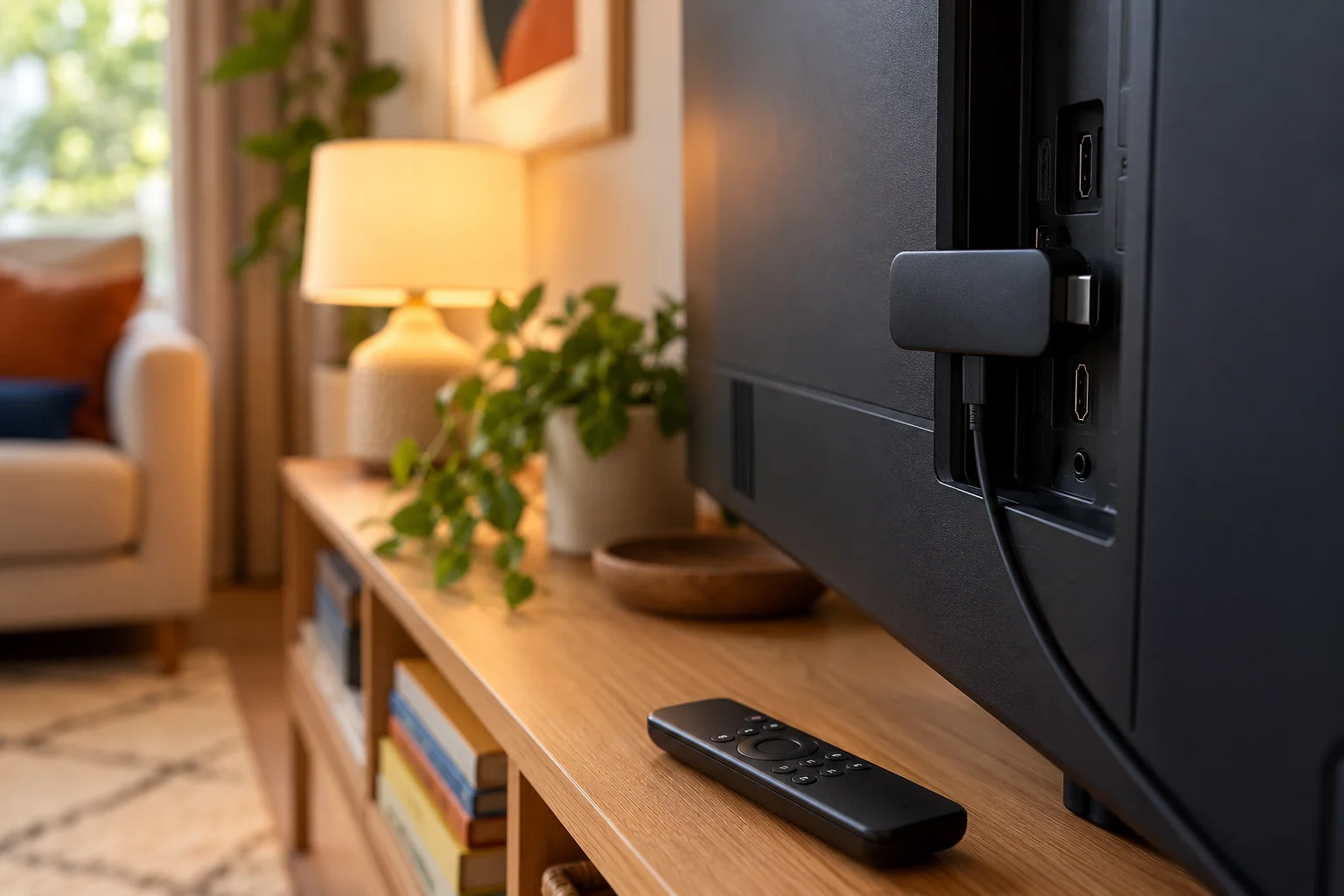
Recommended apps include IB Player (IB Player Pro on Samsung, LG and Windows). Other compatible apps include TiviMate, Smart IPTV, IPTV Smarters, SmartOne, GSE Smart IPTV, VLC and Kodi. On a Firestick, the app is installed using the Downloader app, and the full process is in our installation guide. If a Firestick is your main device, our Firestick walkthrough covers each step.
Support: what to look for
When something goes wrong at 8pm on a Friday, you want an answer, not a ticket number you will hear back about on Tuesday. Check these before you buy:
- Is there a live contact method such as WhatsApp or chat, not just an email form?
- Does the provider state its support hours? We offer support 24/7.
- Is there an email address as a backup? Ours is support@iptvpremiumuk.com.
- Can you read independent feedback? Take a look at the reviews and form your own view.
Try asking a pre-sales question and see how quickly and clearly you get an answer. That is usually a fair preview of what support will be like later.
Price, contracts and hidden costs
Pricing is where services differ most, and where careful reading pays off. A few principles:
- Prices should be in pounds and easy to find. If you cannot see them, ask why.
- No contracts means you pay for the period you choose and nothing more. There should be no automatic traps hiding in the small print.
- No hidden fees means the price you see is the price you pay. Sports and PPV should not be a surprise extra.
- Cheapest is not best. A very low price with poor stability costs you more in frustration than a fair price with reliable streams.
Here are the plans, all in GBP:
- 3 Months: £30 (£10 per month)
- 6 Months: £40 (£6.67 per month)
- 12 Months: £60 (£5 per month), the best value, and it includes a free media player
Every plan has the same channels and the same quality. The only difference is how long you pay for. You can see our plans on the homepage, and our comparison of 3, 6 and 12 month IPTV plans shows how to pick between them.
How the ordering process should work
A trustworthy order process is calm and clear. Here it works like this:
- Choose a plan on the website.
- Enter your name, email and WhatsApp number.
- No payment is taken on the website.
- Payment details and order details are sent by email and WhatsApp, usually between 5 minutes and 2 hours.
- You pay, then start watching. Activation is instant once payment is confirmed, and free setup help is available on WhatsApp.
Whichever provider you use, be careful about paying anyone who is vague about what happens after payment. Our guide on how to buy IPTV safely lists the red flags worth knowing.
Test before you commit
The lowest-risk way to evaluate any subscription is a short trial. We offer a paid 1-day trial for £5, which you can request via the website chat. Use it properly: watch at peak time, try your own device, check the TV guide and ask support one real question.
How IPTV Premium UK fits the checklist
Here is a plain summary of how the service measures up against the criteria in this guide:
- Quality: Full HD / 1080p, with 4K where the channel supports it.
- Content: 25,000+ live channels and 140,000+ movies and series, with all sports and PPV events included.
- Setup: free step-by-step setup via chat on all devices and IPTV apps.
- Support: 24/7 via WhatsApp (+44 7446 385834) and email.
- Price: from £5 per month on the 12 month plan, with no contracts and no hidden fees.
- Policies: a published refund policy, and Terms of Use you should read before buying.
You can read more about the team on the about us page. As with any IPTV service, make sure you understand the Terms of Use and follow the laws where you live.

A simple way to choose in 2026
If you want a quick decision process, follow these steps:
- List the devices in your home and check they appear in the supported list.
- Write down the three channel types you watch most, such as UK channels, sport and kids.
- Check your internet speed and fix any weak Wi-Fi spots.
- Order the £5 1-day trial and test at peak time.
- If you are happy, pick the plan length that suits you.
- If anything is unclear, message support before paying.
If you are comparing several services, our provider checklist gives you twelve questions to ask each one.
FAQ
What is the best IPTV subscription in the UK?
There is no single answer for everyone, but the best subscription combines stable streams, Full HD or 4K quality, free setup, 24/7 support and clear pricing with no contracts. Test any provider yourself before choosing a long plan. Our service is built around those points.
How much does an IPTV subscription cost in the UK?
Prices vary by provider. Here, 3 months is £30, 6 months is £40 and 12 months is £60, which works out at £5 per month. All plans include the same channels and quality.
Is 4K IPTV available in the UK?
Yes, 4K is available where the channel or title is broadcast in 4K. Not every channel supports it, so ask support to check the ones you care about. You will need about 25 Mbps for 4K.
Do I need a contract for an IPTV subscription?
Not with us. There are no contracts and no hidden fees, and you simply choose the plan length that suits you.
Which devices can I use?
You can use a Firestick, Android devices, Samsung and LG Smart TVs, Roku, iPhone and iPad, Windows PC, Mac and MAG box. Recommended apps include IB Player, with others such as TiviMate and IPTV Smarters also compatible.
Can I try before I buy?
Yes. There is a paid 1-day trial for £5, requested through the website chat. It is a low-risk way to test quality on your own device and connection.
Is IPTV legal?
IPTV is simply television delivered over the internet, and the technology itself is legal. We cannot give legal advice, so please read the Terms of Use and follow the laws where you live.
Conclusion
The best IPTV subscription UK households can choose is not the one with the loudest promises. It is the one that gives you a stable picture, a simple setup, real support and honest pricing, and lets you test it before you commit.
Ready to try? Look at our plans, start with the £5 1-day trial if you want to test first, and follow the installation guide for your device. Questions? Check the FAQs or contact us, or message the team any time on WhatsApp at +44 7446 385834.
Want more guides like this?
Add IPTV Premium UK as a preferred source on Google, so our new articles show up more often in your Top Stories.
Ready to start watching?
25,000+ live channels and 140,000+ movies and series in HD and 4K, with free setup and 24/7 support.