IPTV vs Sky, Virgin and BT: A Fair UK Comparison
IPTV vs Sky, Virgin Media and BT TV explained fairly: contracts, equipment, installation, devices, picture quality and price structure, plus what to check before you switch.
If you are weighing up IPTV vs Sky (or Virgin Media, or BT TV), you are really comparing two different ways of getting television into your home. One is the traditional route: a dish, a cable or a set-top box, usually tied to a contract. The other is television delivered over your broadband connection and watched through an app on the device you already own.
Neither approach is automatically right for everyone. This guide is a neutral, practical comparison of the categories, not a slanging match between brands. We will look at contracts, equipment, installation, flexibility, picture quality and price structure, and finish with a checklist of things to confirm before you change anything. IPTV Premium UK is an IPTV service, so we will be open about where we fit, but the aim is to help you decide with the full picture.
Key takeaways
- Satellite and cable services are usually built around a contract and a provider-supplied box; IPTV is delivered through apps over your own internet connection.
- IPTV Premium UK has no contracts and no hidden fees, and the 12 Months plan works out at £5 per month.
- IPTV runs on many devices you may already own: Firestick, Android, Samsung and LG smart TVs, iPhone, iPad, Windows, Mac and more.
- Your broadband matters more with IPTV: about 10 Mbps for HD and 25 Mbps recommended for 4K.
- Before cancelling anything, check your current provider's terms, especially the contract end date and any early exit charges.
- You can test before committing: a £5 1-day trial lets you try the service on your own TV and broadband.

IPTV vs Sky, Virgin Media and BT TV: the basic difference
Traditional pay TV has historically reached homes in one of three ways: through a satellite dish, through a cable network, or through a broadband-based box supplied by the provider. In every case the provider decides what hardware you use and often how long you commit to the service.
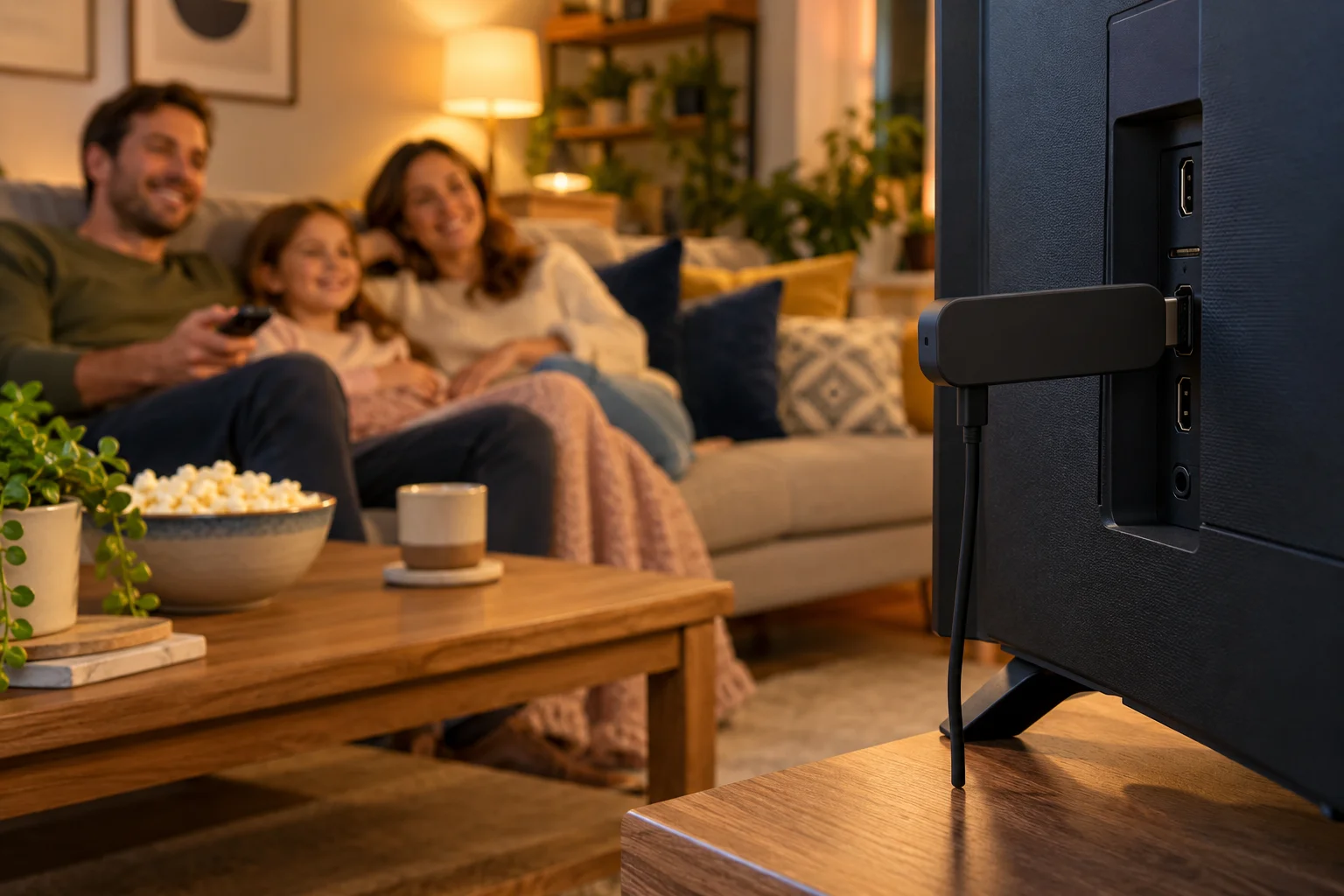
IPTV, short for internet protocol television, takes a different route. The channels and on-demand library travel over the internet and arrive in an app. There is no dish to point at the sky and no special cable to be run into your house. If your broadband works and your device can run a compatible app, you can watch.
That single difference explains almost every other point in this comparison. When the delivery method changes, so do installation, equipment, flexibility and how the pricing is structured.
If you want a gentler introduction to the technology itself, our beginner explainer on what IPTV is walks through it from scratch.
IPTV vs cable and satellite: contracts and equipment
This is where the categories differ most visibly. Because every provider sets its own terms, we will not quote anyone else's contract lengths or prices here. Check your current provider's terms for the specifics, because they change and they vary by package.
Contracts
Pay TV bundles in the UK have traditionally been sold on fixed-term agreements. That can suit people who like a single monthly bill and are happy to stay put. It can be frustrating if your circumstances change, you move house, or you simply stop watching as much.
Our service takes the opposite approach. There are no contracts and no hidden fees. You choose a 3, 6 or 12 month plan, pay for that period and decide what to do at the end. Nothing rolls over behind your back, and the channels and quality are the same on every plan.
Equipment
With satellite or cable you normally receive a box, and sometimes a dish, remote and cables, all supplied or specified by the provider. Hardware often has to be returned if you leave, so it is worth checking the terms.
With IPTV there is no proprietary box. You use a device you probably already have:
- Amazon Fire TV Stick (Firestick)
- Android TV, Android box, phone or tablet
- Samsung or LG smart TV
- Roku
- iPhone or iPad
- Windows PC or Mac
- MAG box
The 12 Months plan from our service also includes a free media player, which is handy if you do not yet own a suitable device.
Installation
Satellite generally involves a visit from an installer, access to a suitable spot for the dish and some waiting around for an appointment. Cable and broadband-based services may need an engineer if the line is not already in place.
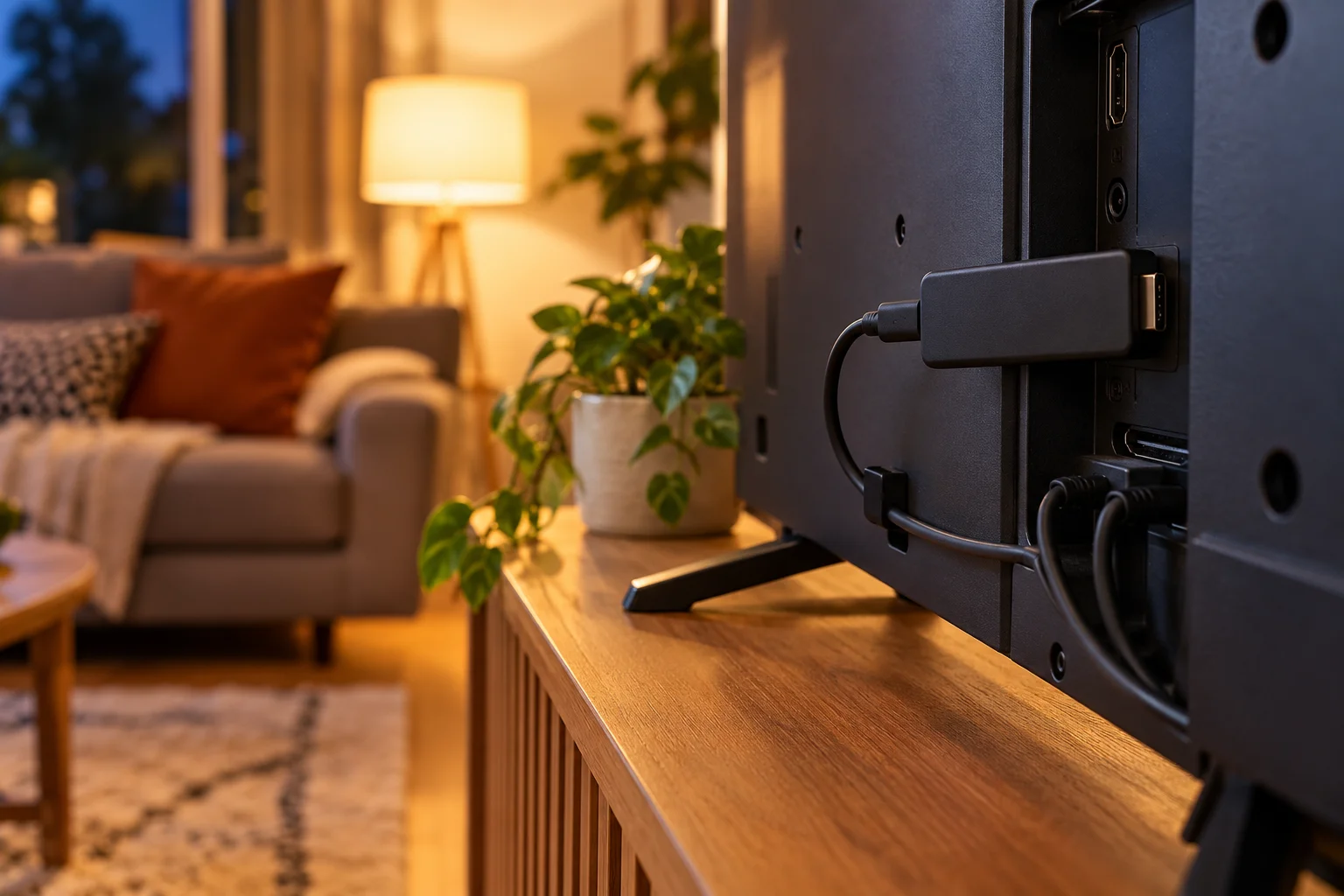
IPTV installation is a software job. You install an app, send us a screenshot of the app's MAC Address and Device Key, and we set it up for free over WhatsApp. For a Firestick the app is installed with the Downloader app, and the full steps are in our installation guide. Most people are watching in a short time, with no one visiting the house.
Flexibility: watching on any device
A traditional box is tied to one room. Many providers offer a companion app or extra boxes for other rooms, but the details, limits and costs depend on the package, so check your current provider's terms if multi-room viewing matters to you.
IPTV is device-based, so flexibility is built in. With IPTV Premium UK you can use the service on a Firestick in the lounge, an Android tablet in the kitchen, a smart TV in the bedroom or a laptop when you are working from a different room. All supported devices and IPTV apps are covered.
Picture quality: what to expect
Picture quality is where many people expect a trade-off, so it is worth being precise.
Our service offers Full HD / 1080p, and 4K where the channel supports it. That last part matters: a 4K-capable service cannot make a channel that is broadcast in standard definition look better than it is. The source decides the ceiling.
What the delivery method changes is the dependency on your broadband. With satellite, the signal arrives from the dish. With IPTV, picture stability depends on your home connection and your device:
- Roughly 10 Mbps is a sensible guide for HD.
- 25 Mbps is recommended for 4K.
- A wired connection is the most reliable; strong Wi-Fi is the next best.
- Other people streaming or downloading at the same time share that same bandwidth.
If you want to go deeper on numbers, see our guide to internet speed for IPTV in HD and 4K. In short, if your broadband is solid, picture quality is not usually a reason to avoid IPTV. If your broadband is weak, fix that first, whichever TV service you choose.
Price structure: how the costs are built
Comparing prices between categories is tricky because the packages are built differently. We are not going to quote any competitor's prices, since they change and depend on bundles and offers. What we can do is explain the structure.
Traditional bundles
Pay TV is often sold as a bundle: channels, a box, sometimes broadband and phone, and add-ons for extras such as premium sport or films. The monthly figure can look simple, but the total depends on which extras you add and what happens at the end of any promotional period. When you compare, look at the full cost over the whole term, not only the headline monthly price.
Our pricing
Our pricing is deliberately simple:
- 3 Months: £30 (£10 per month)
- 6 Months: £40 (£6.67 per month)
- 12 Months: £60 (£5 per month), our best-value plan, including a free media player
Every plan includes the same things: 25,000+ live channels, 140,000+ movies and series, all sports and PPV events, a TV guide (EPG), free setup via chat, 24/7 support and instant activation. There is no ladder of add-on tiers to climb. You can see everything on the website, and our guide to comparing the 3, 6 and 12 month plans explains which length suits which kind of viewer.
Will it be cheaper than Sky?
People often search for "cheaper than Sky" or a "cheaper TV subscription UK", and it is a fair question. The honest answer is that it depends on what you are paying now, what you actually watch and whether you need to keep other services. We cannot tell you your current provider's price, so work it out yourself: add up everything you pay for TV, including extras, and compare that with the plan lengths above. Remember to include your broadband, because IPTV needs a decent connection.
What to check before you switch
This is the most useful section of the article. Switching is easy; switching at the wrong time is what costs people money. Run through this list before you cancel anything.
- Find your contract end date. Look at your latest bill or account page. Check your current provider's terms for how and when you can leave.
- Check for early exit charges. If you are inside a minimum term, find out whether leaving early costs anything and whether it is worth waiting.
- Look at what is bundled. If your TV, broadband and phone are on one bill, cancelling the TV part might change the price of the rest.
- Test your broadband speed. Aim for about 10 Mbps per HD stream, and 25 Mbps if you want 4K. Test at the time of day you usually watch.
- Decide how you will connect. Wired is best. If you use Wi-Fi, check the signal where the TV sits.
- Choose your device. A Firestick, Android box or smart TV app are all common choices. Do not forget a free media player comes with the 12 Months plan.
- List what you must be able to watch. Write down the channels, sports or programmes your household would miss most.
- Try before you commit. Use the £5 1-day trial to test your list on your own TV and broadband.
For a broader framework when choosing any provider, our checklist for choosing an IPTV provider is worth a read.

Support and what happens if something goes wrong
Support is a fair thing to compare. Traditional providers typically offer phone lines, online help and engineer visits, with opening hours and terms that vary by provider. For IPTV Premium UK, support runs 24/7 through WhatsApp and email, and setup help is free.
If something goes wrong, the usual causes are easy to rule out. Restart the app and your router, use a cable or sit closer to the Wi-Fi, and turn off any VPN. If it persists, contact support and tell us your device and what you were watching. That detail helps us find the cause quickly. Our FAQs cover many common questions. There is also a refund policy if you want to understand how refunds work before you order.
How to get started with IPTV Premium UK
The ordering process is straightforward:
- Choose a plan on the website.
- Enter your name, email and WhatsApp number. No payment is taken on the website.
- Payment and order details arrive by email and WhatsApp, usually between 5 minutes and 2 hours.
- Pay, then send the MAC Address and Device Key screenshot from your chosen app.
- We set it up for free, and you start watching.
FAQ
Is IPTV the same as Sky or Virgin Media?
No. Sky, Virgin Media and BT TV are specific brands that offer pay TV through their own boxes and contracts. IPTV is a delivery method: television over the internet, watched in an app. We are an IPTV service and are not connected to those brands.
Do I need a satellite dish or cable box for IPTV?
No. IPTV runs over your broadband, so there is no dish and no provider box. You use an app on a device such as a Firestick, Android device, Samsung or LG smart TV, iPhone, iPad, Windows PC or Mac.
How much internet speed do I need compared with satellite?
Satellite does not use your broadband for the main channels, but IPTV does. Plan on about 10 Mbps for HD and 25 Mbps recommended for 4K, and use a wired connection or strong Wi-Fi where you can.
Can I cancel Sky and switch to IPTV straight away?
You can start IPTV straight away, but cancelling your current service depends on its terms. Check your current provider's contract end date and any early exit charges first, then cancel when it makes sense for you.
Is IPTV cheaper than my current TV subscription?
It depends on what you pay now and what you use. We have no contracts and no hidden fees, with the 12 Months plan at £60, which is £5 per month. Add up your current total cost, including extras, and compare.
Will I get the same channels and sport I have now?
We cannot promise any specific channel or sporting right. Every plan includes UK channels, sports and PPV events, films and kids content as categories, but if one channel or event matters to you, use the £5 1-day trial or ask support to check first.
Is IPTV legal in the UK?
The technology itself is legal. We cannot give legal advice, so please read our Terms of Use and follow the laws where you live.
Conclusion
The IPTV vs Sky question comes down to how you want to watch. Satellite, cable and provider boxes bring a familiar, packaged experience, usually with a contract. IPTV swaps the box and the commitment for an app, your own broadband and a simple price structure. IPTV Premium UK offers no contracts, no hidden fees and a 12 Months plan at £5 per month.
Before you switch, confirm your current contract end date, test your broadband and try a £5 1-day trial on your own TV. When you are ready, view our plans. The installation guide covers setup step by step. If you prefer a person, contact us on WhatsApp for free setup help. You can also read honest reviews first. To learn more, see about us.
Want more guides like this?
Add IPTV Premium UK as a preferred source on Google, so our new articles show up more often in your Top Stories.
Ready to start watching?
25,000+ live channels and 140,000+ movies and series in HD and 4K, with free setup and 24/7 support.